

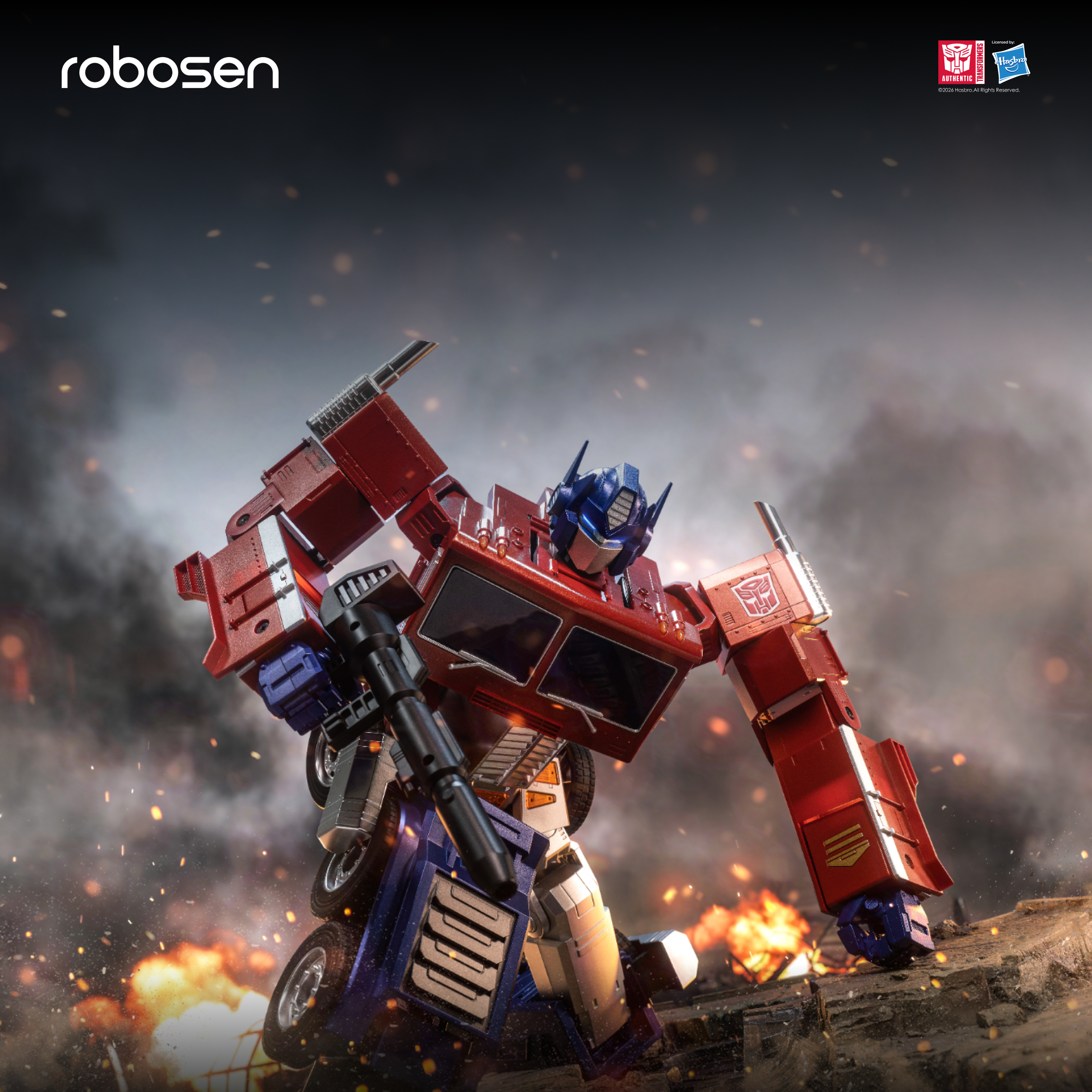




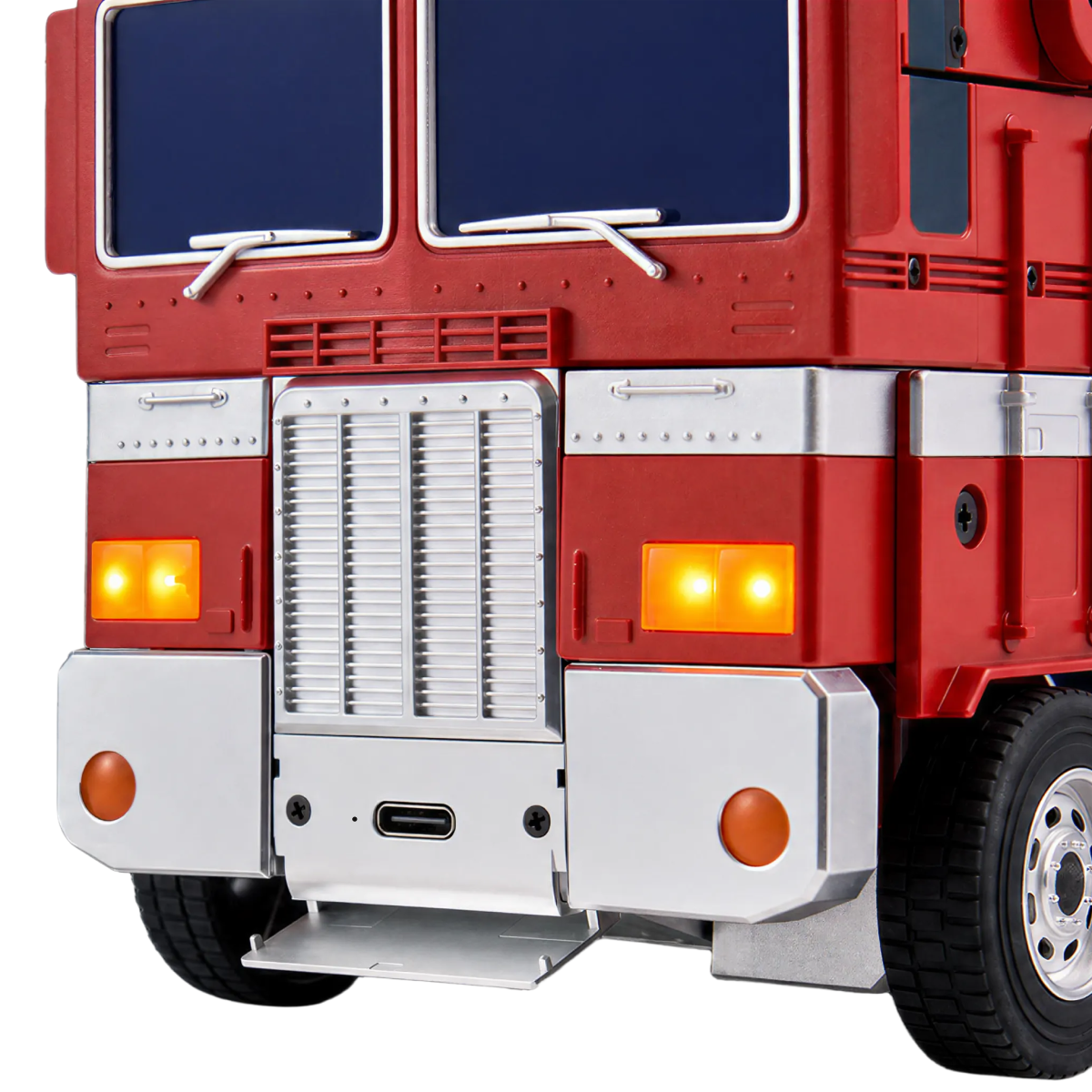
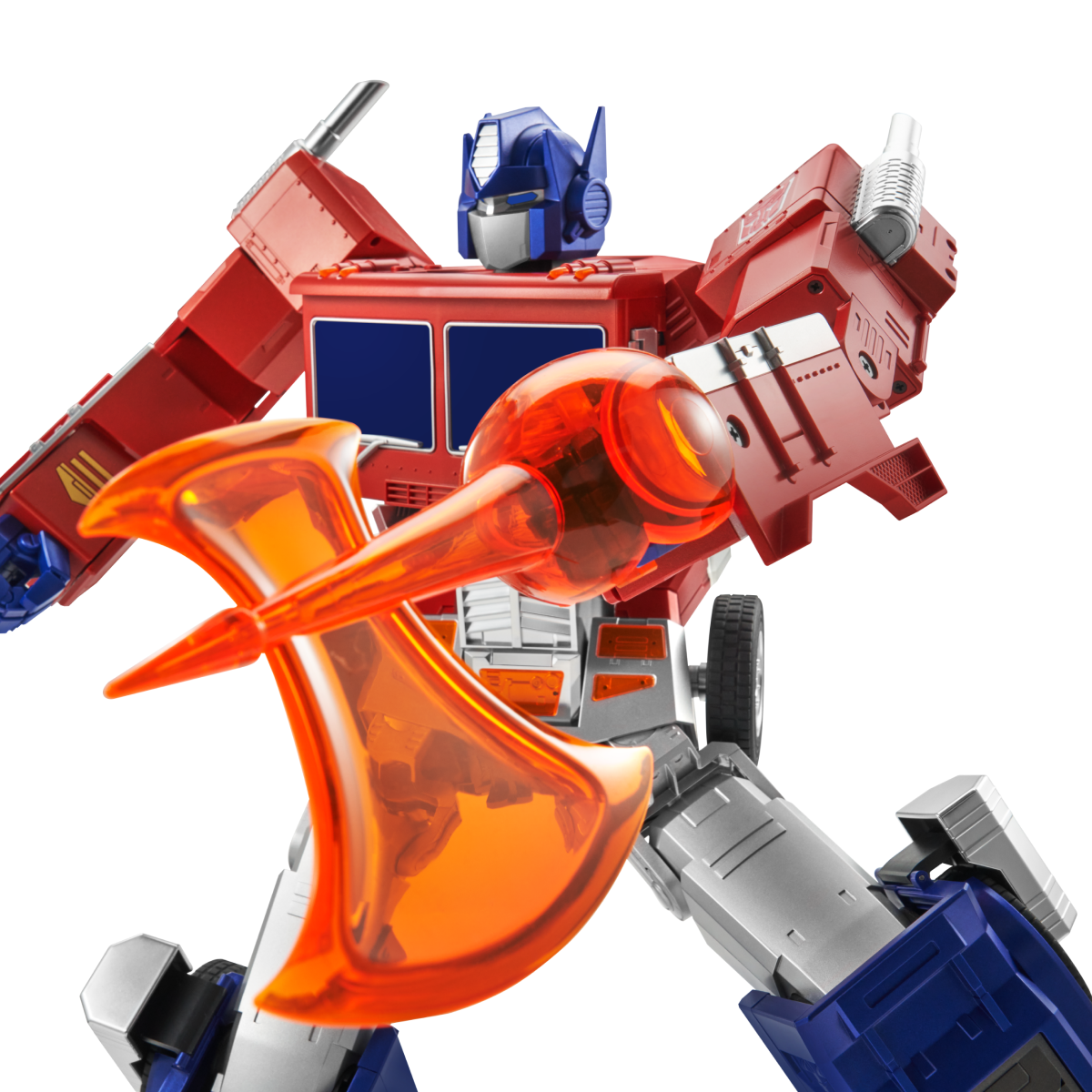
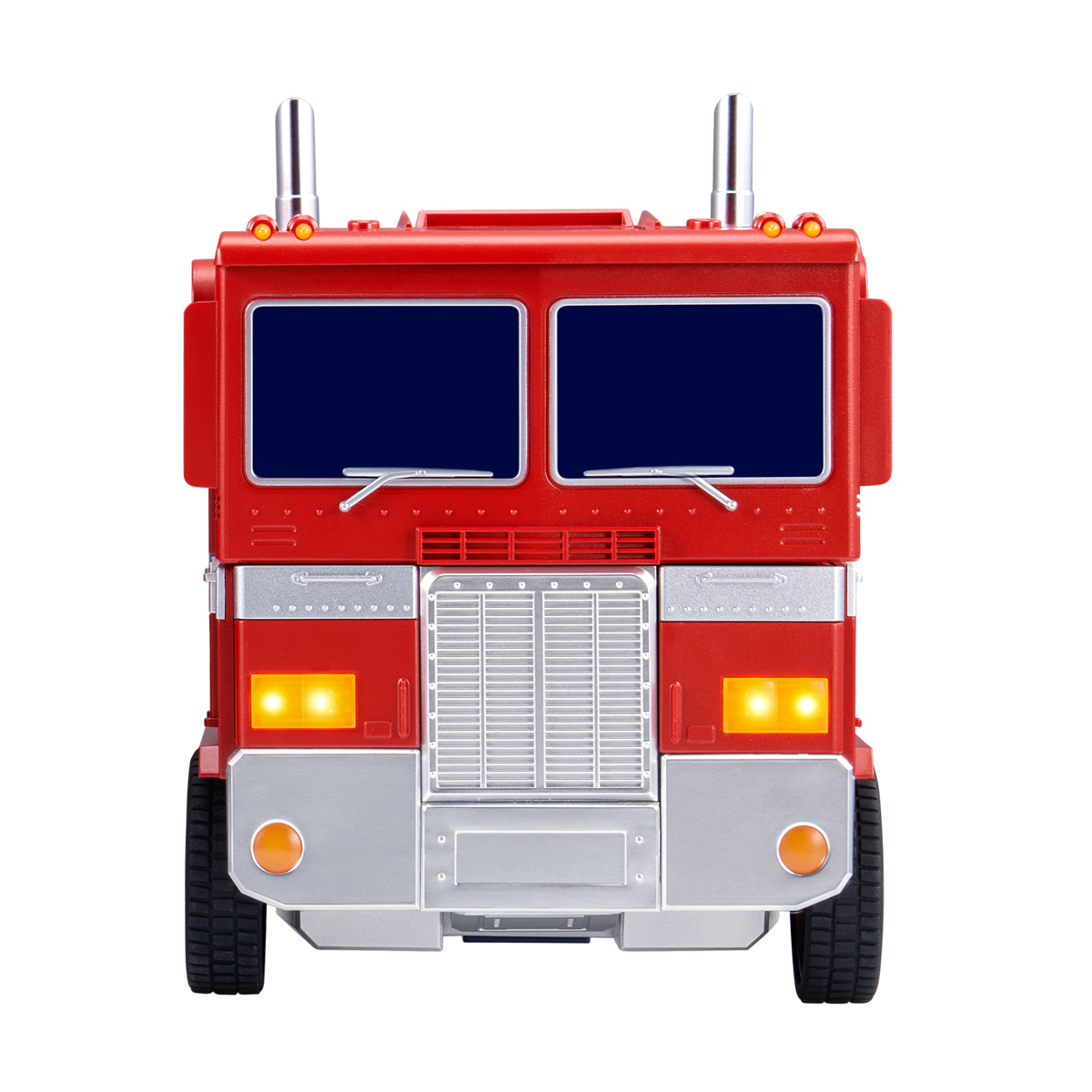
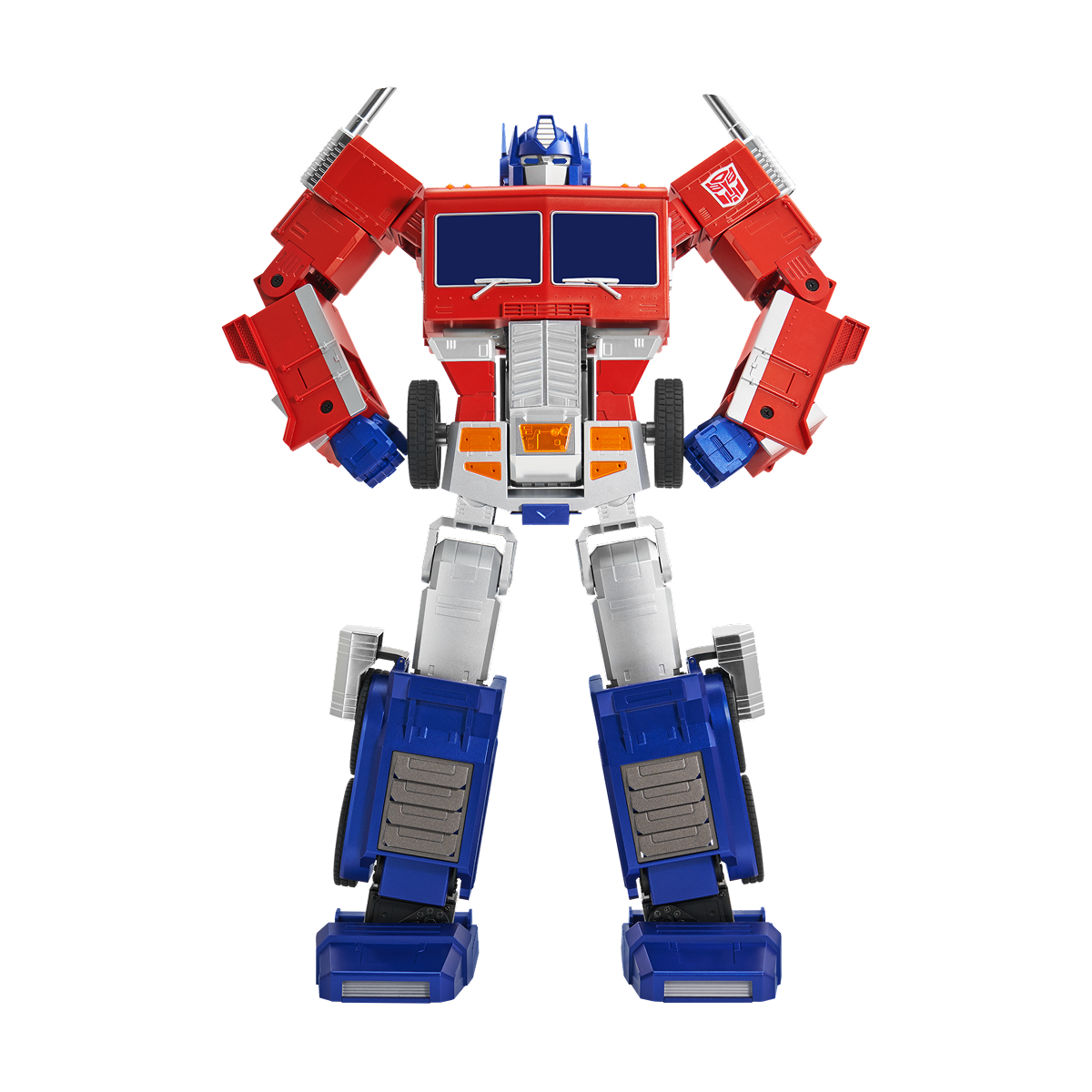
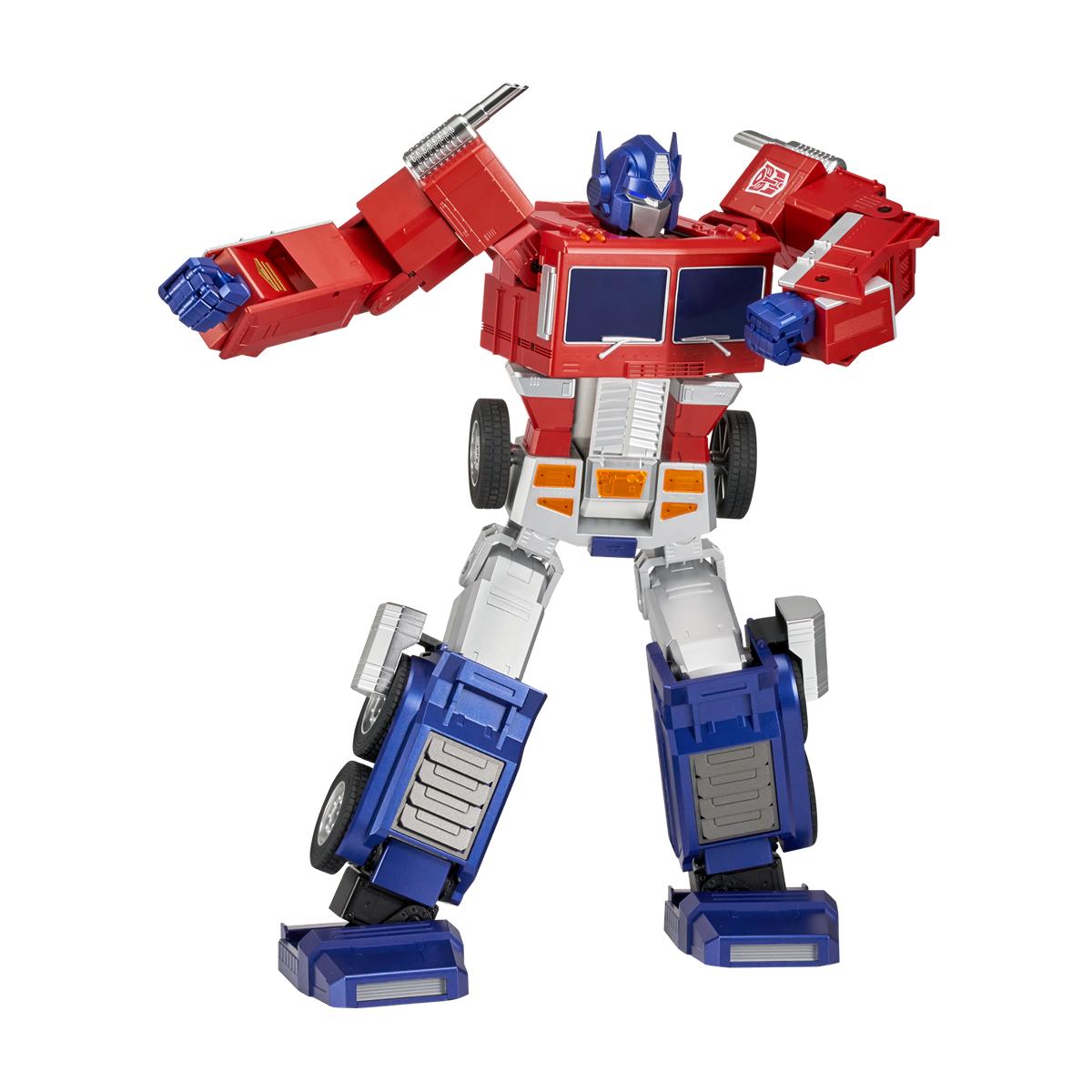
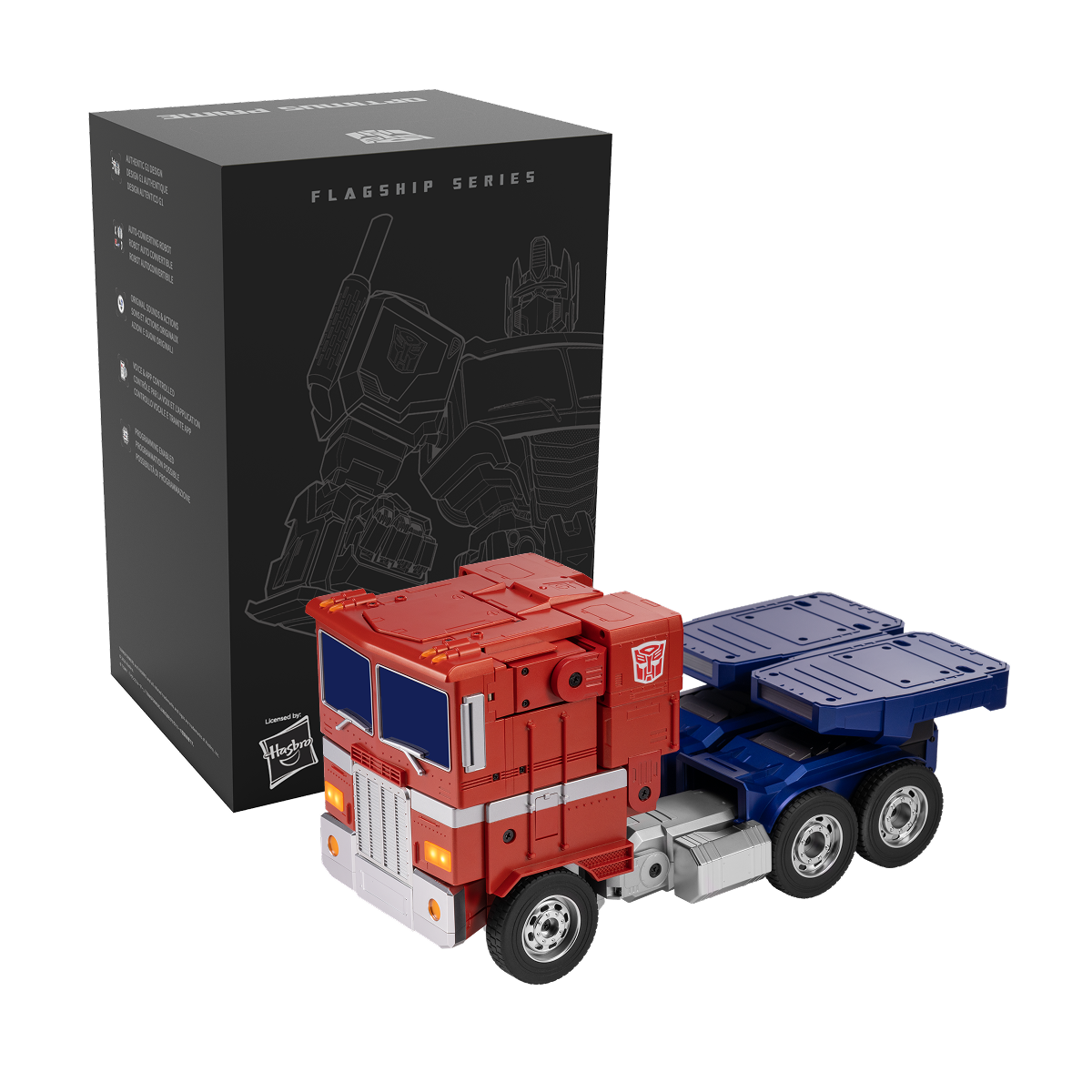
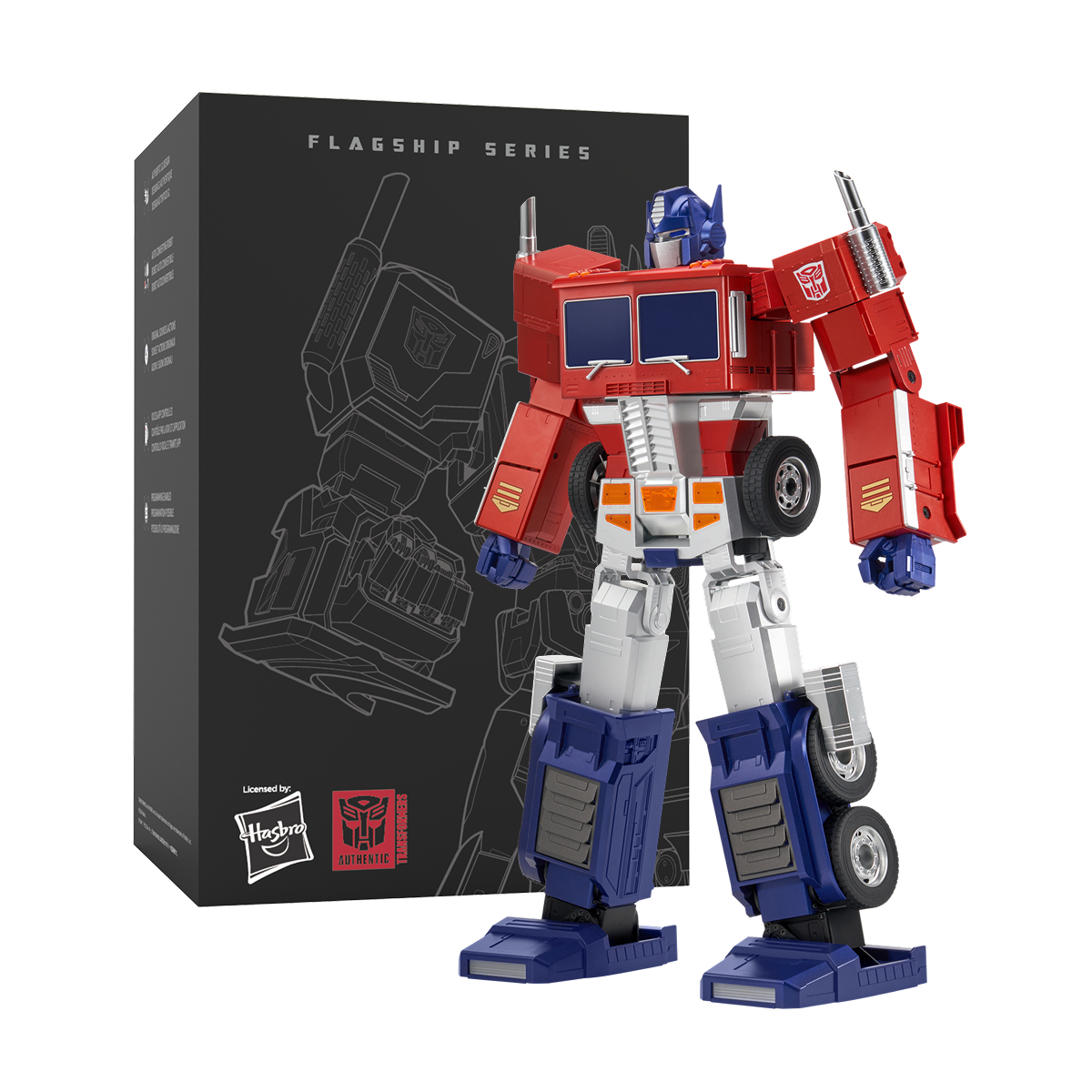
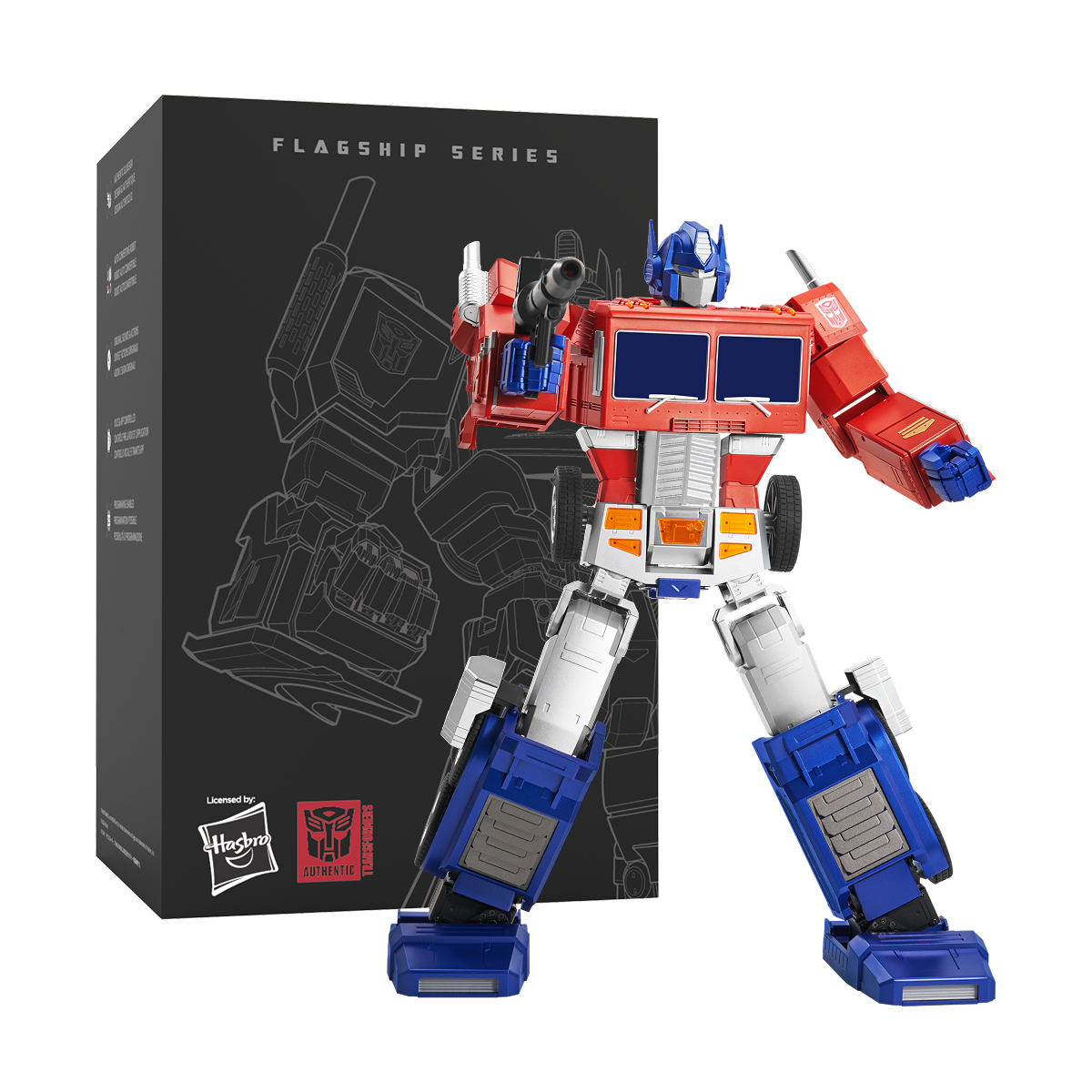
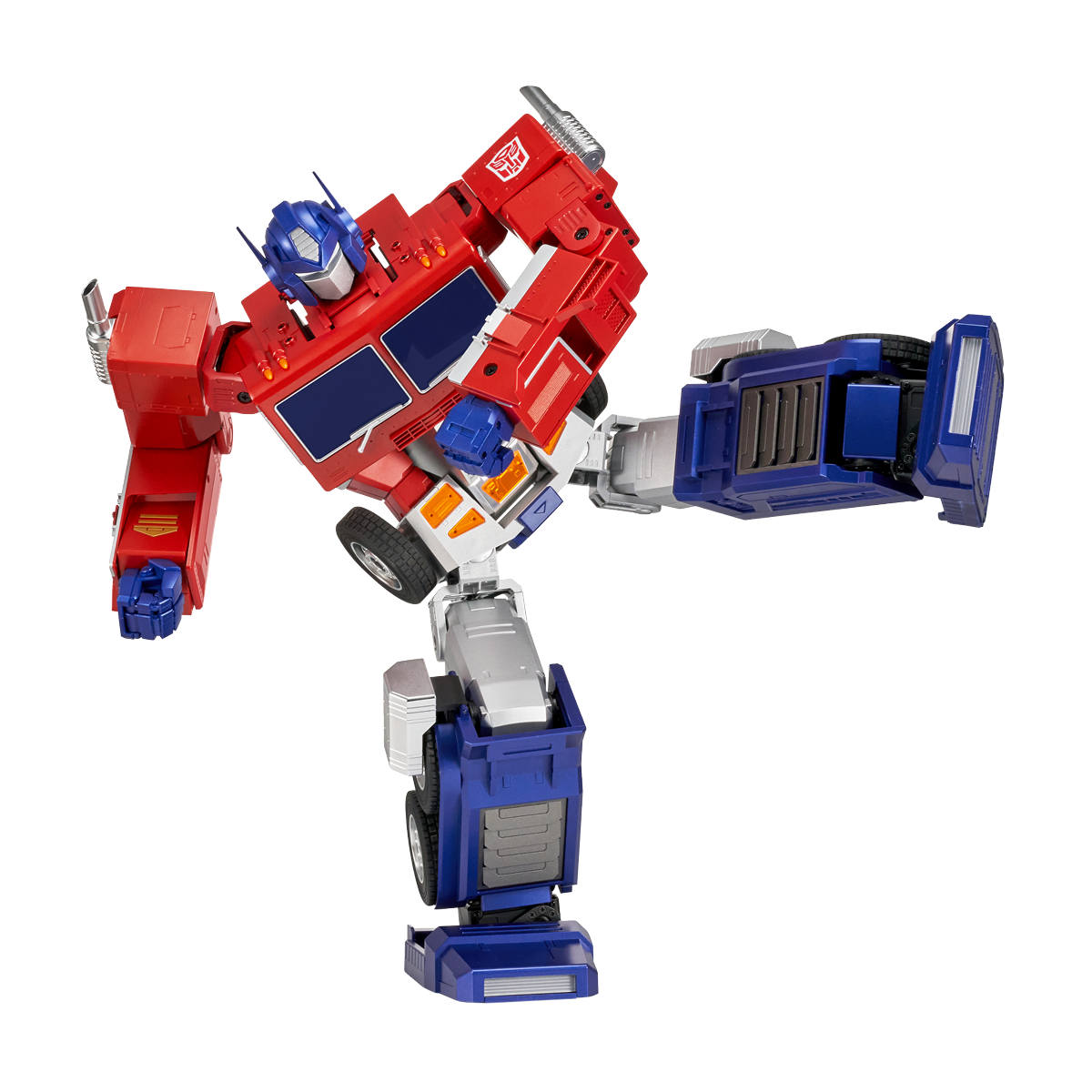
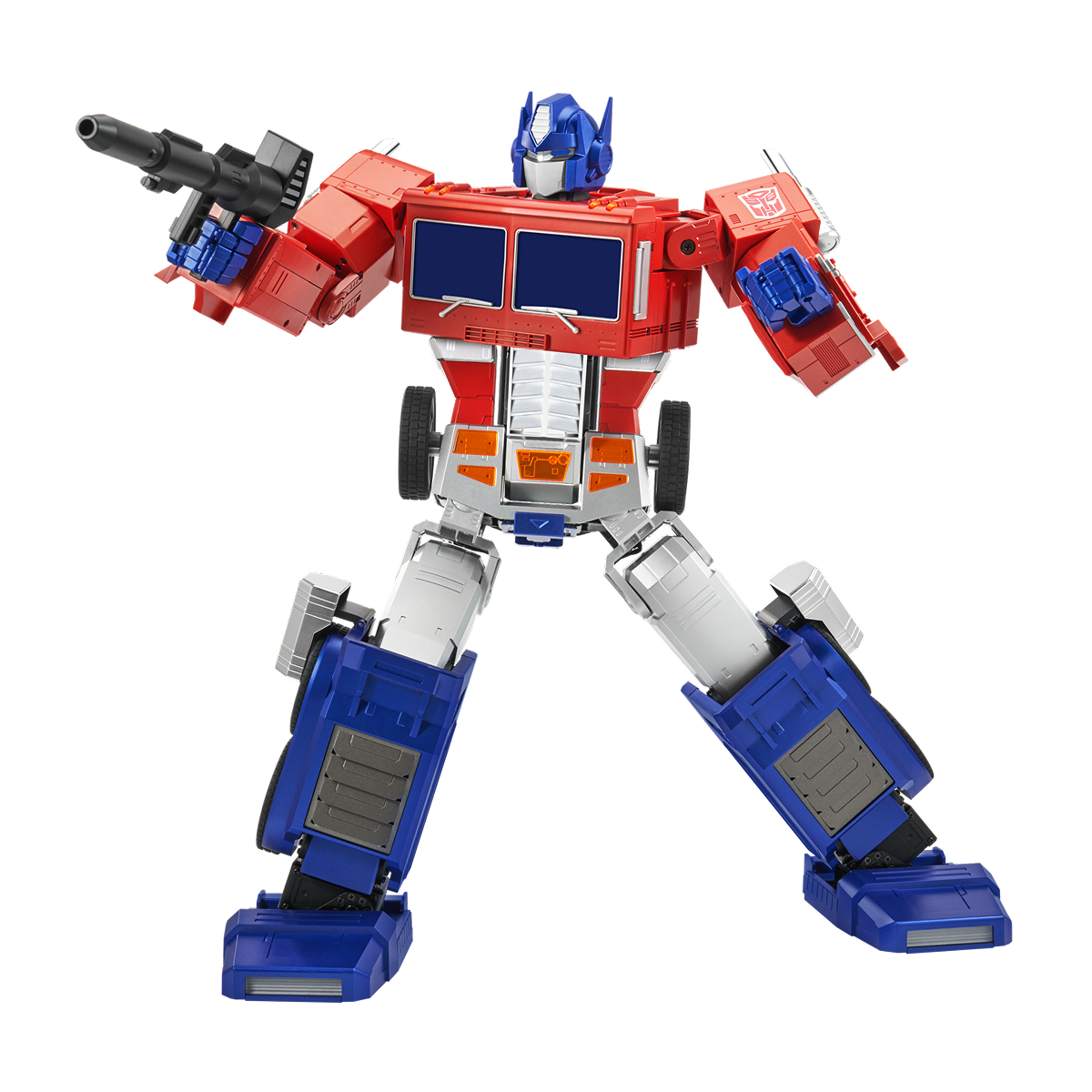
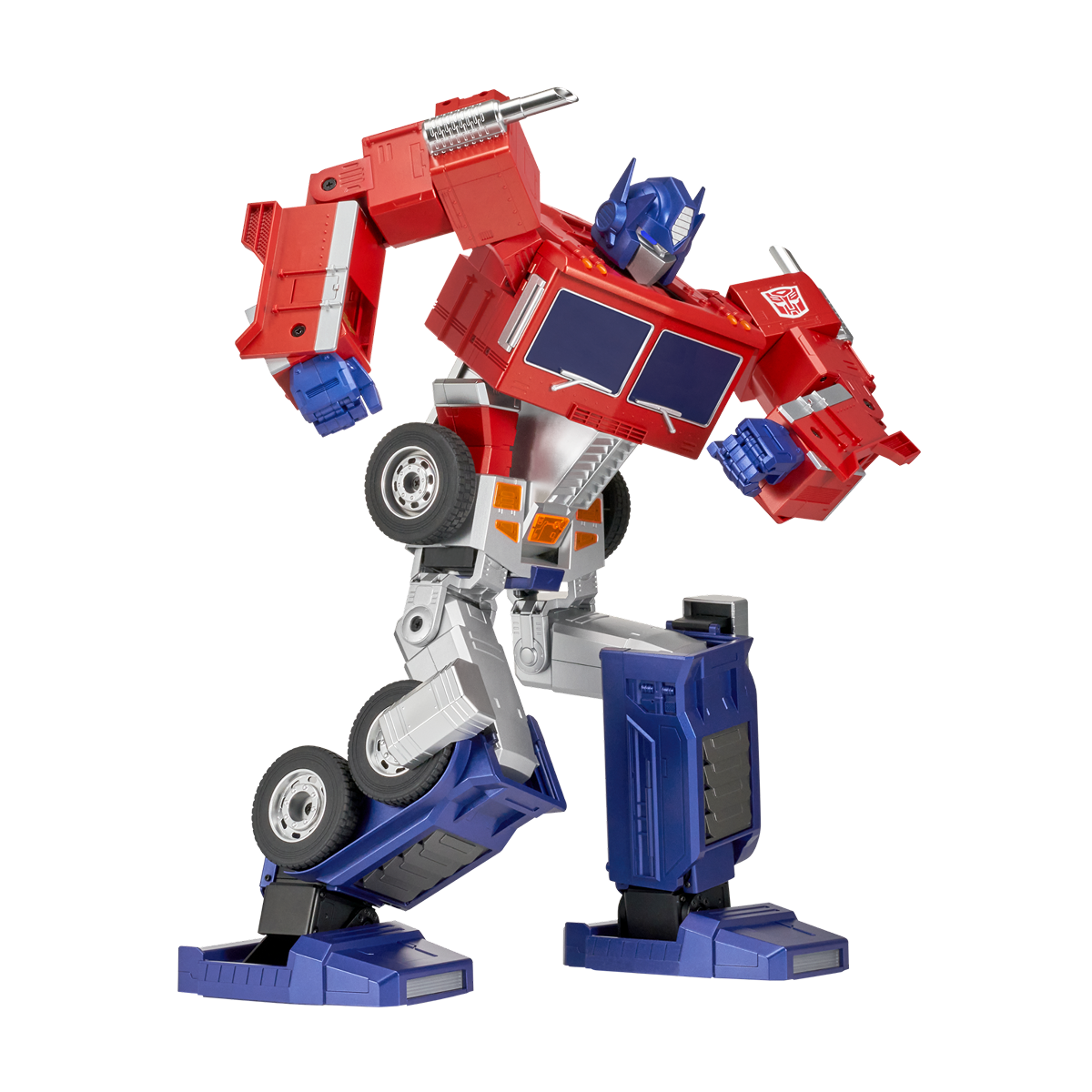
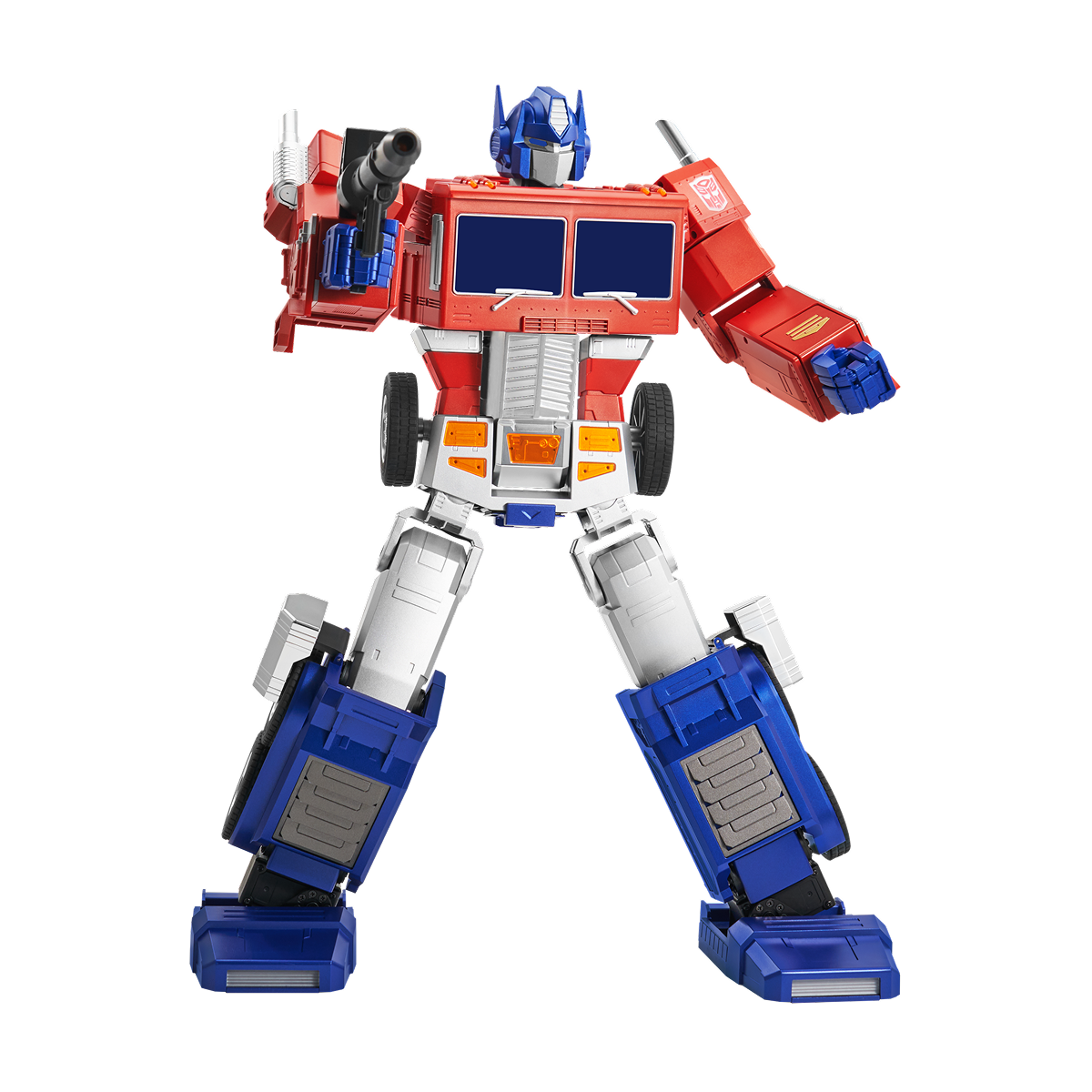
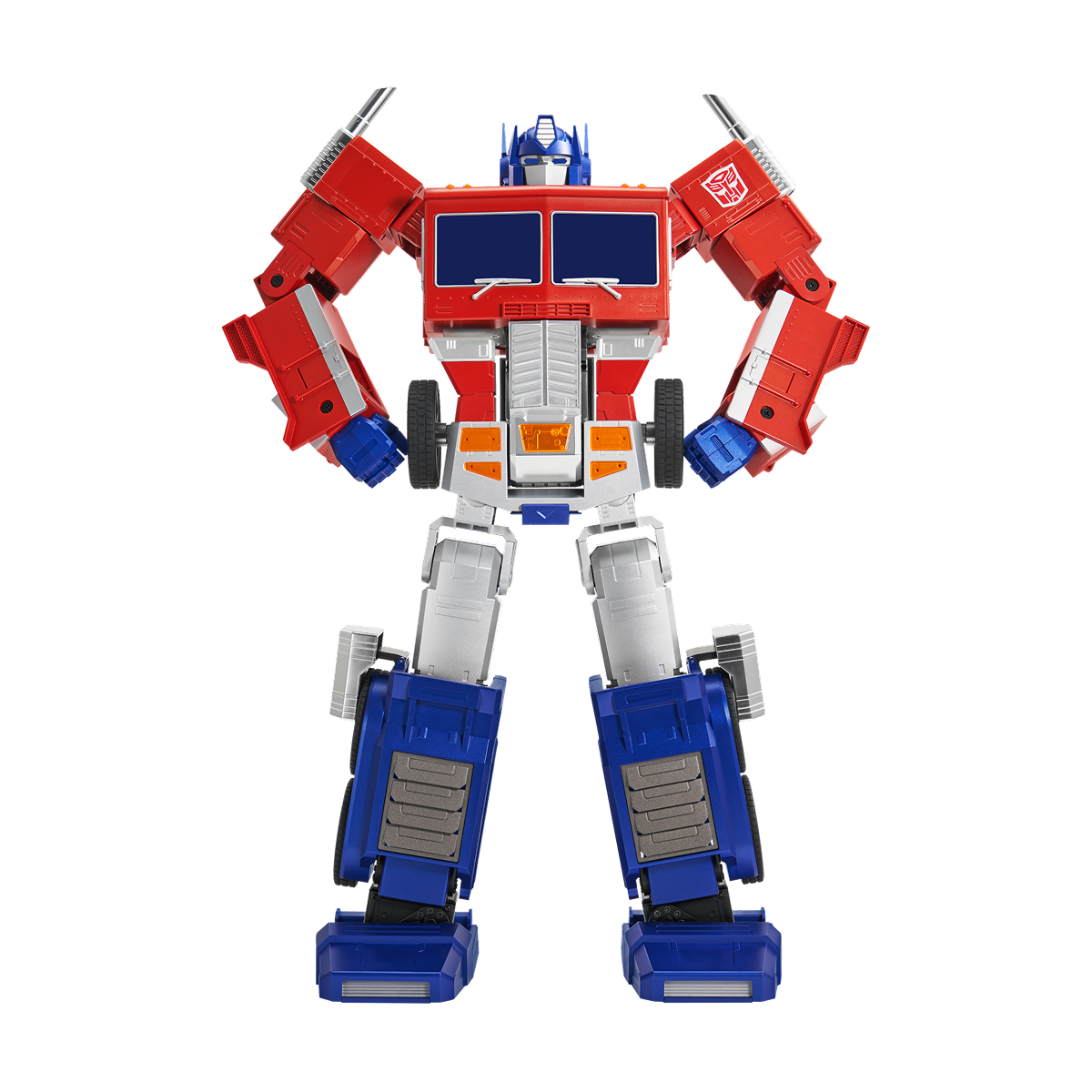
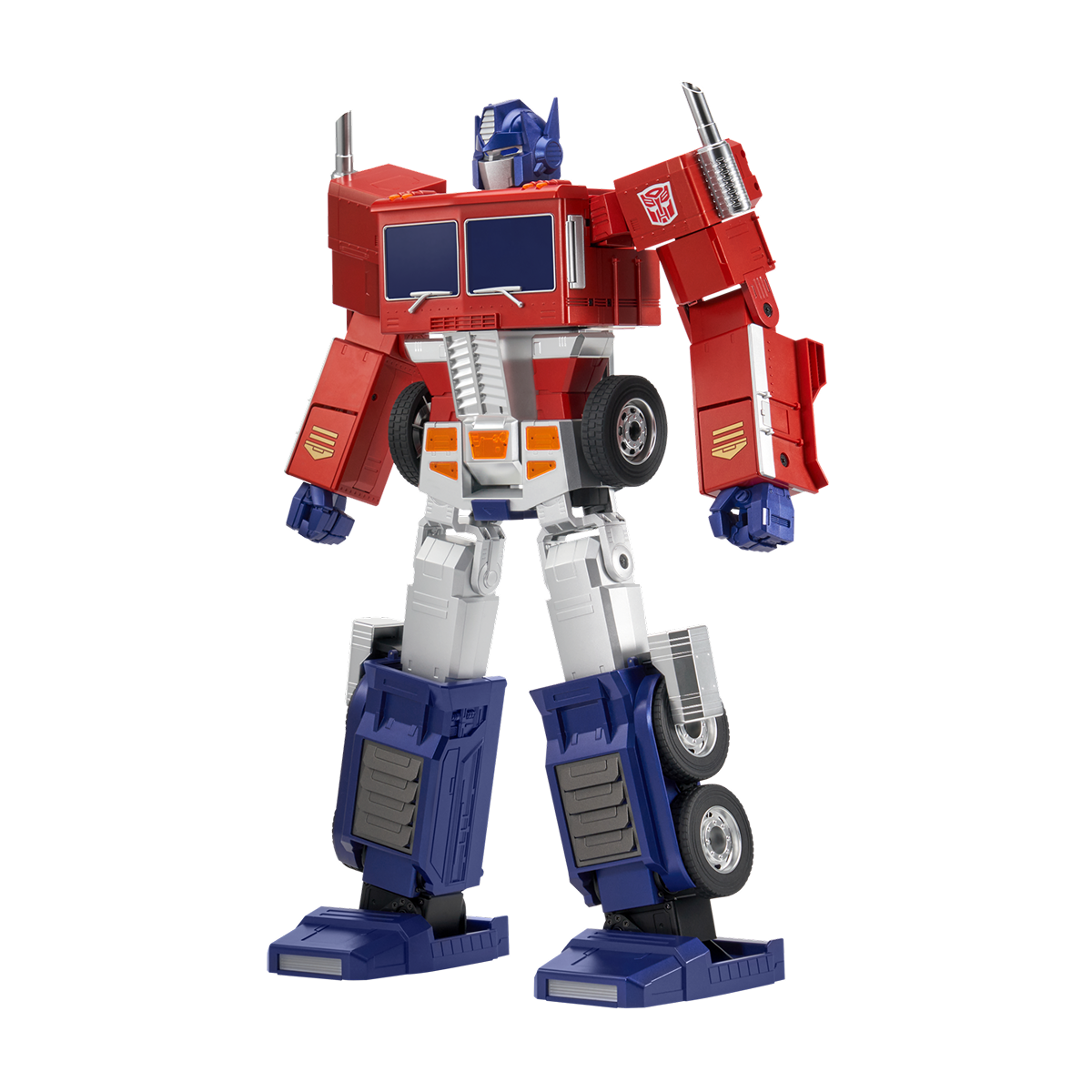
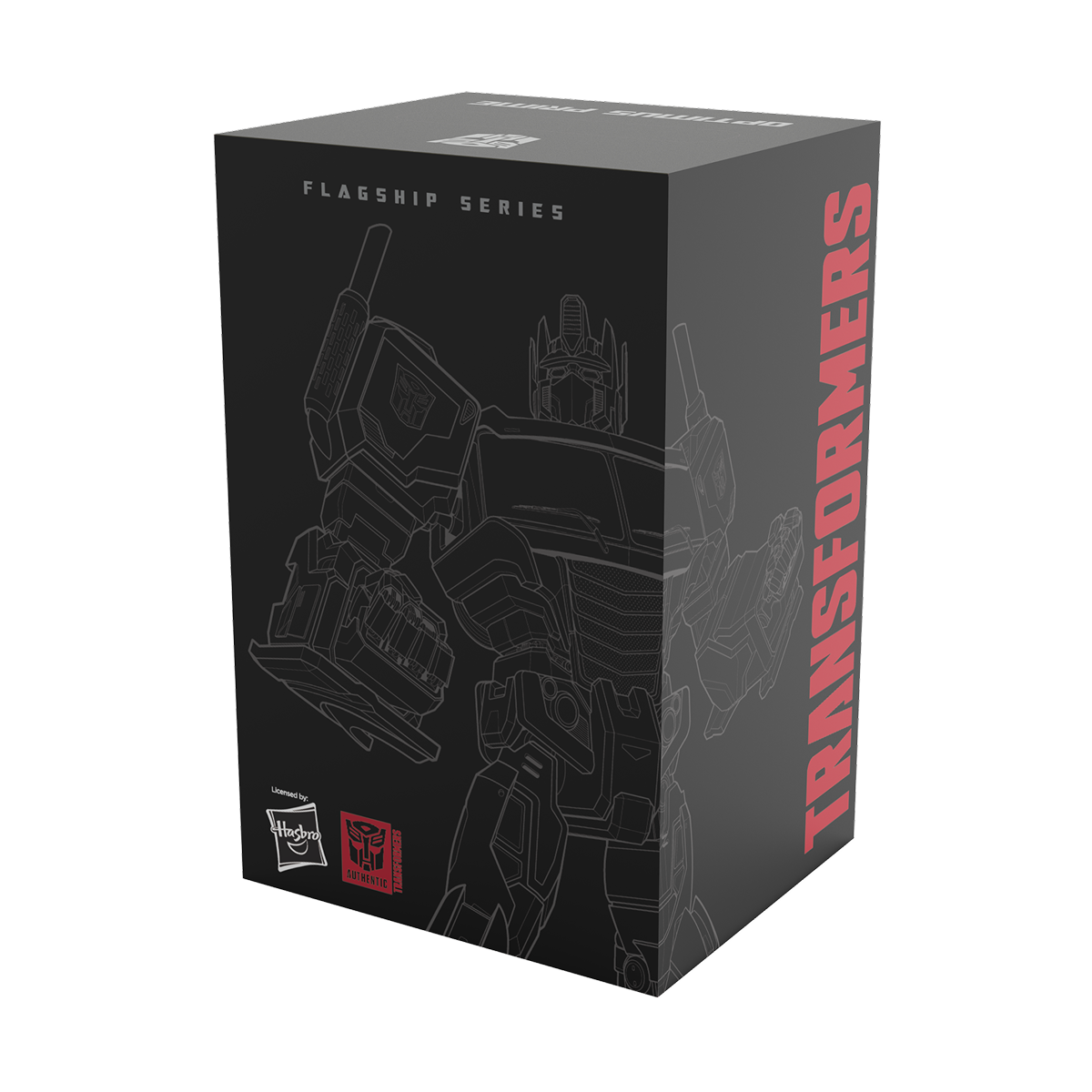
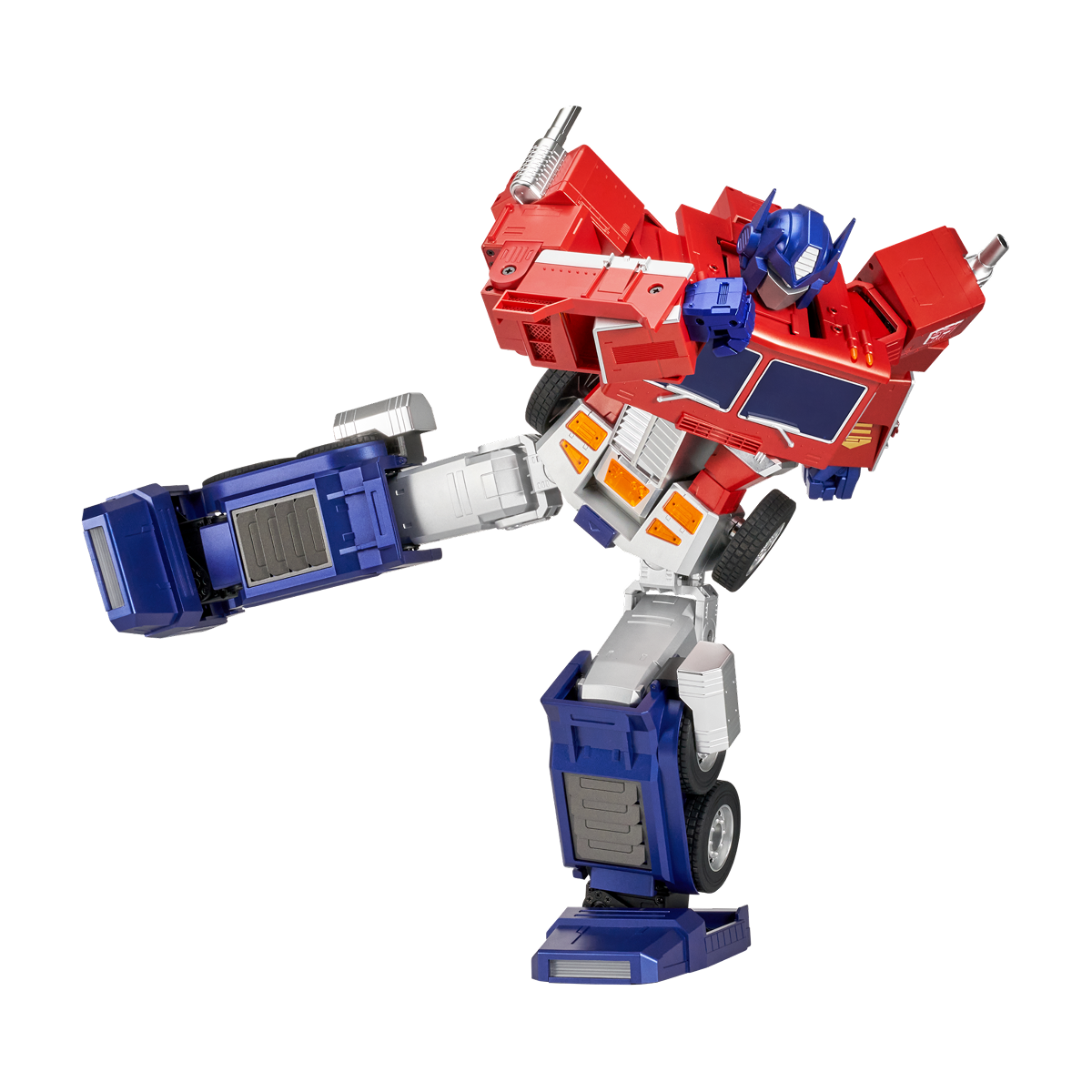
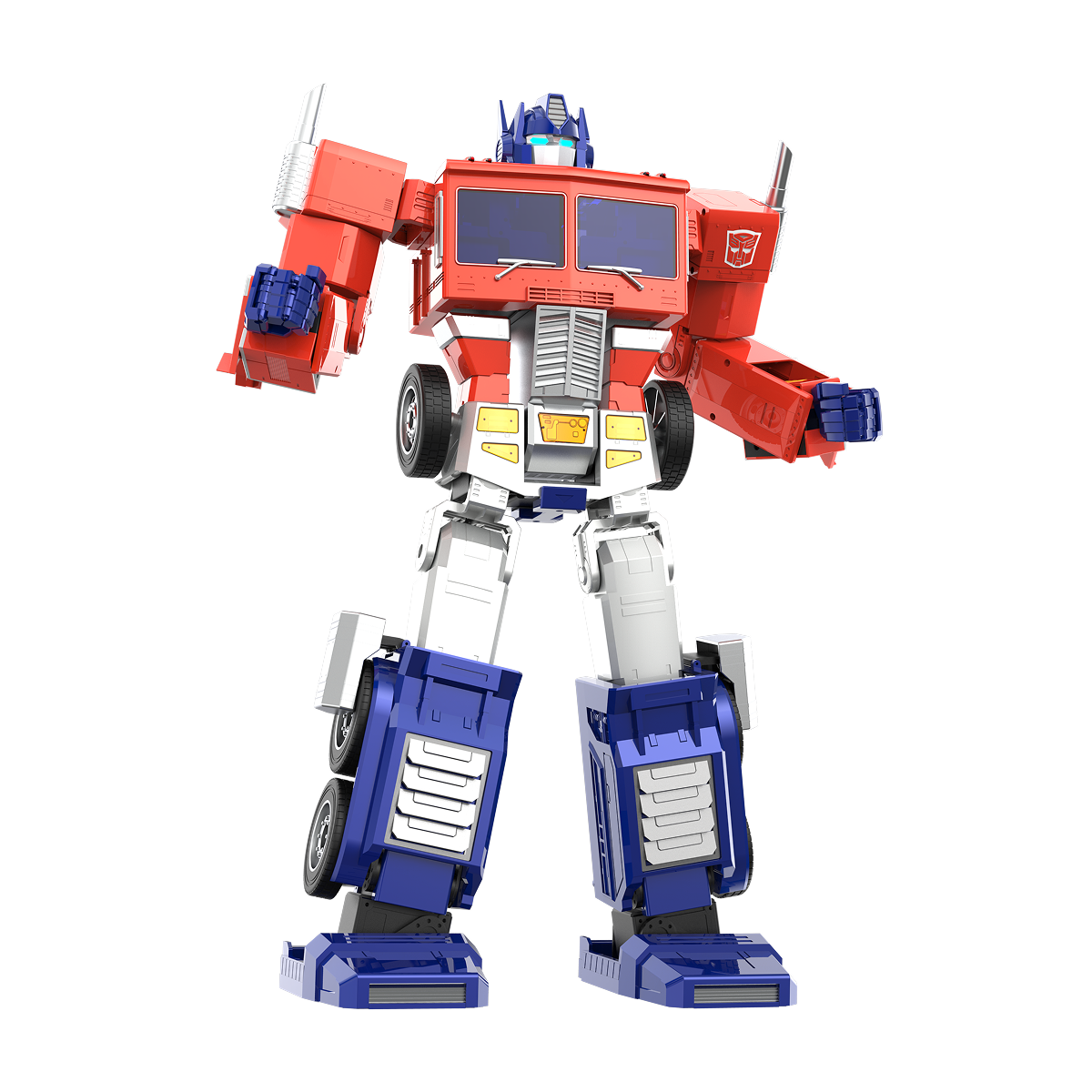
Robosen Flagship Optimus Prime (2026 New Version)
Tax included. Shipping calculated at checkout
- Official Hasbro Licensed: Authentic Transformers collectible.
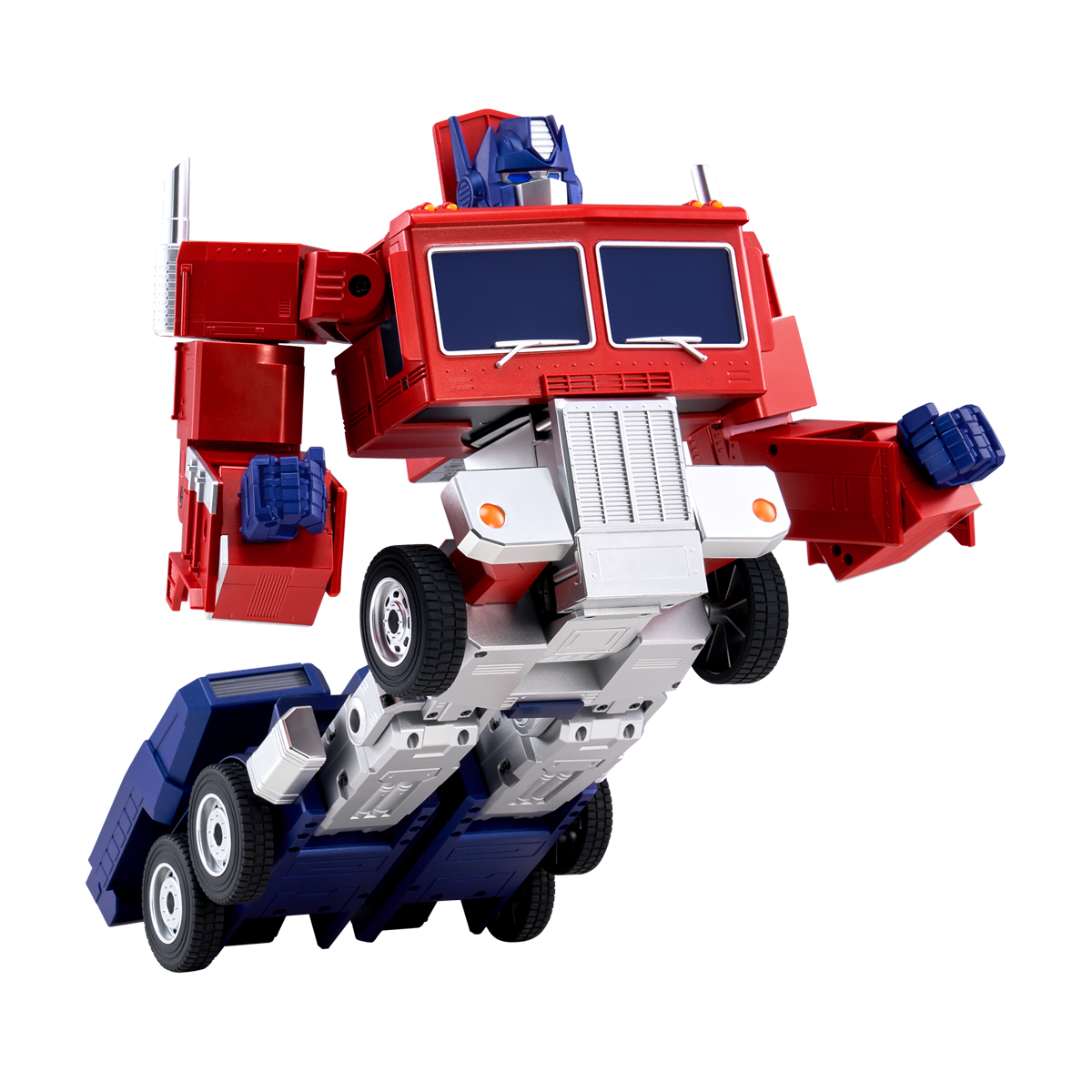
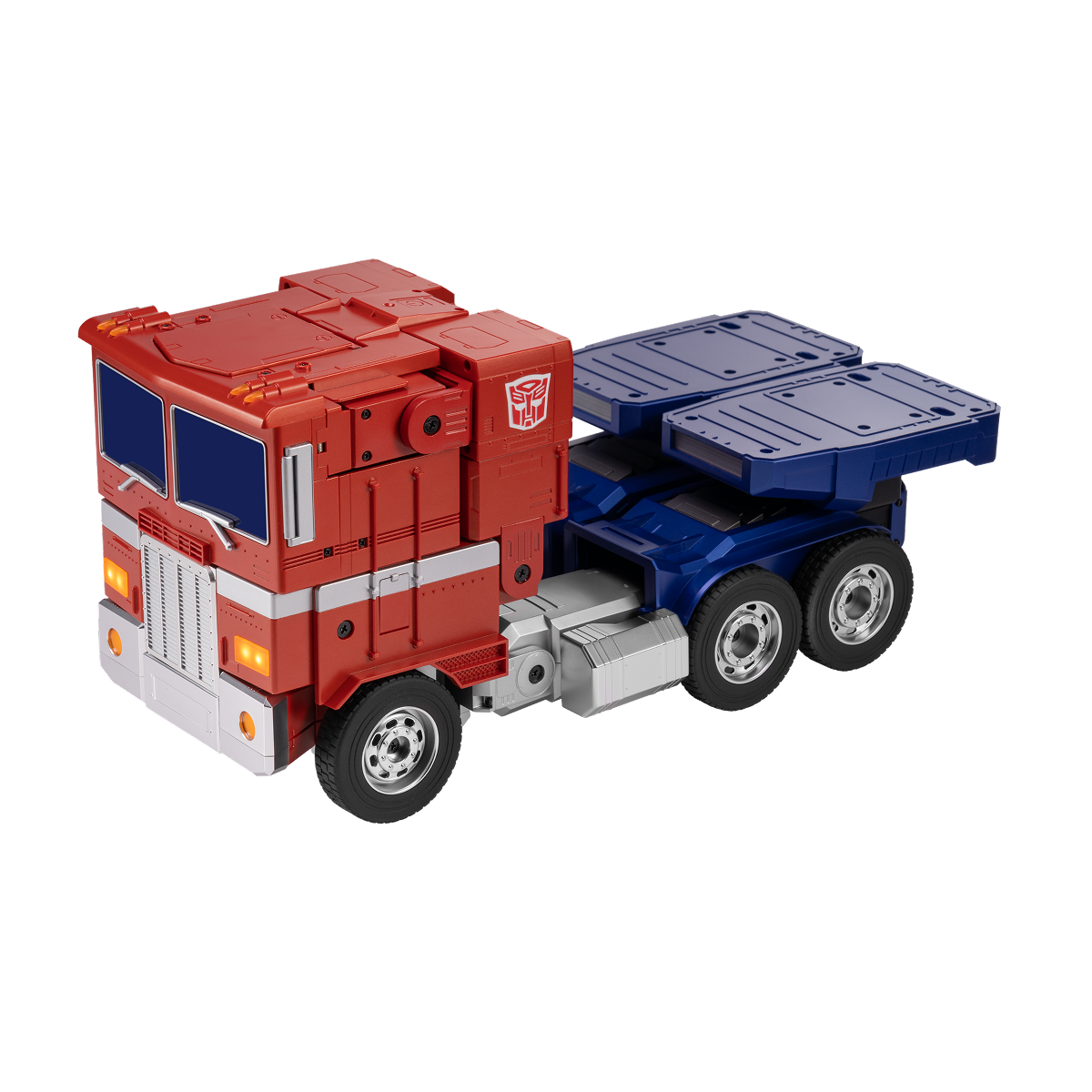
- Auto-Converting: Transforms between robot and vehicle mode.
- Voice & App Control: Control by voice or mobile app.
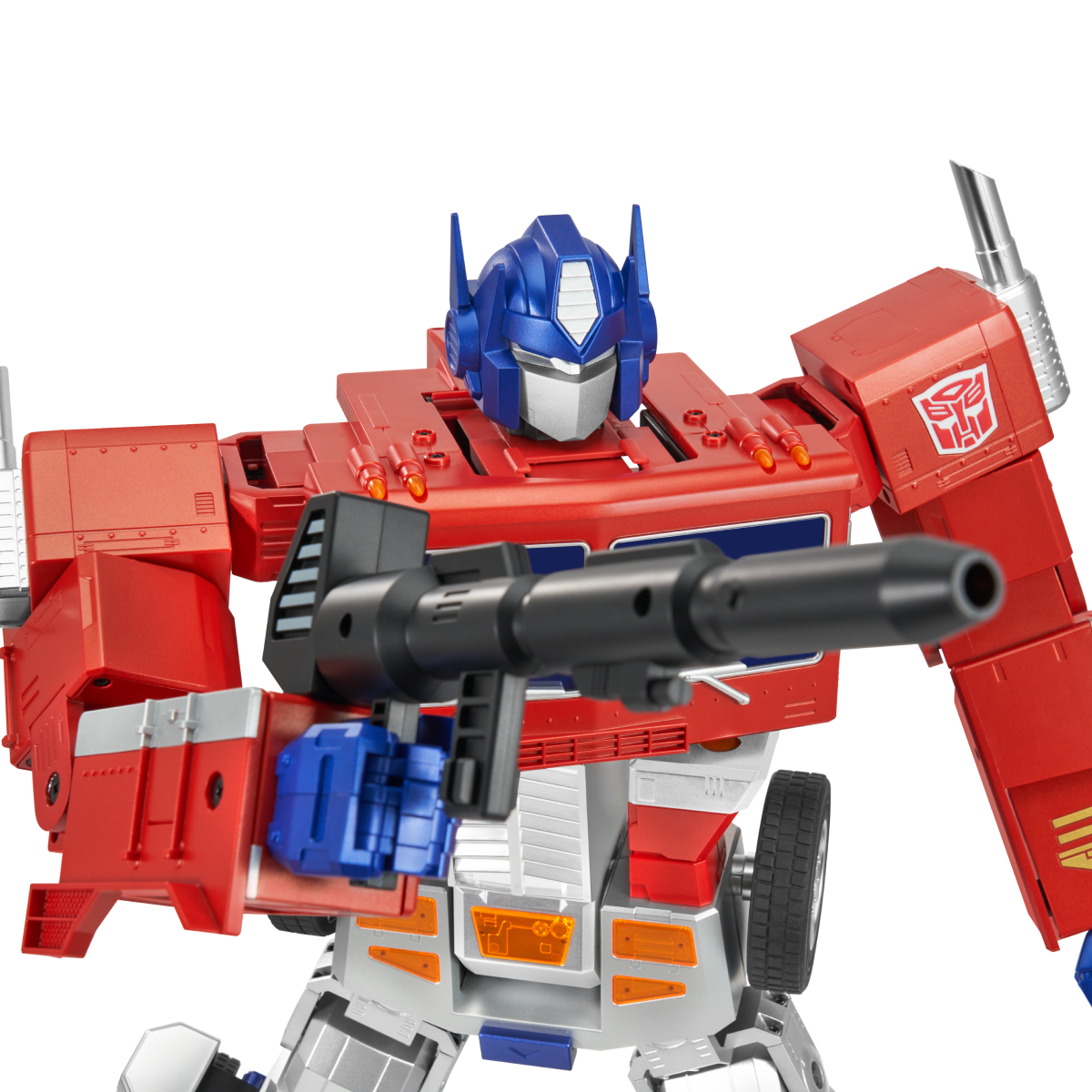
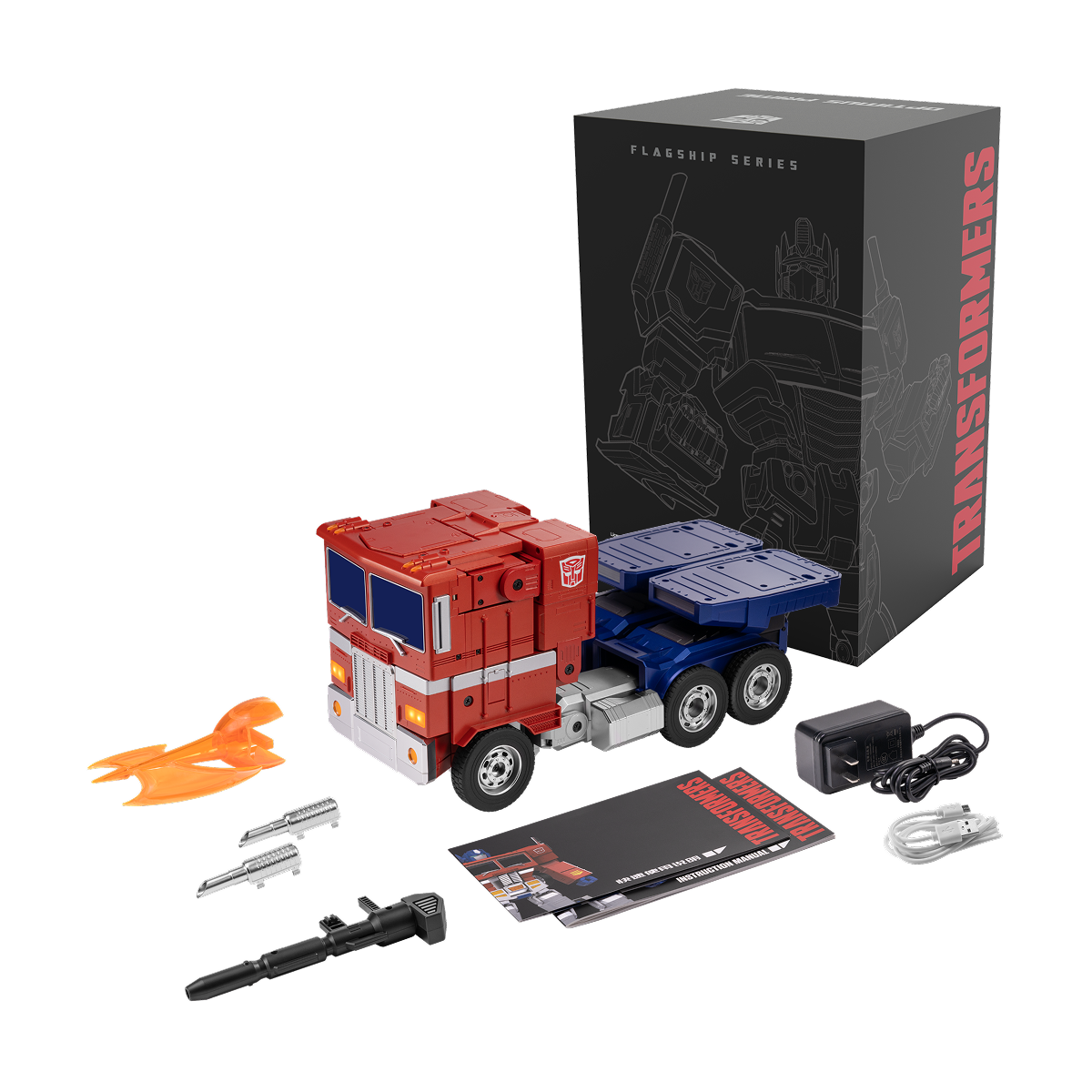
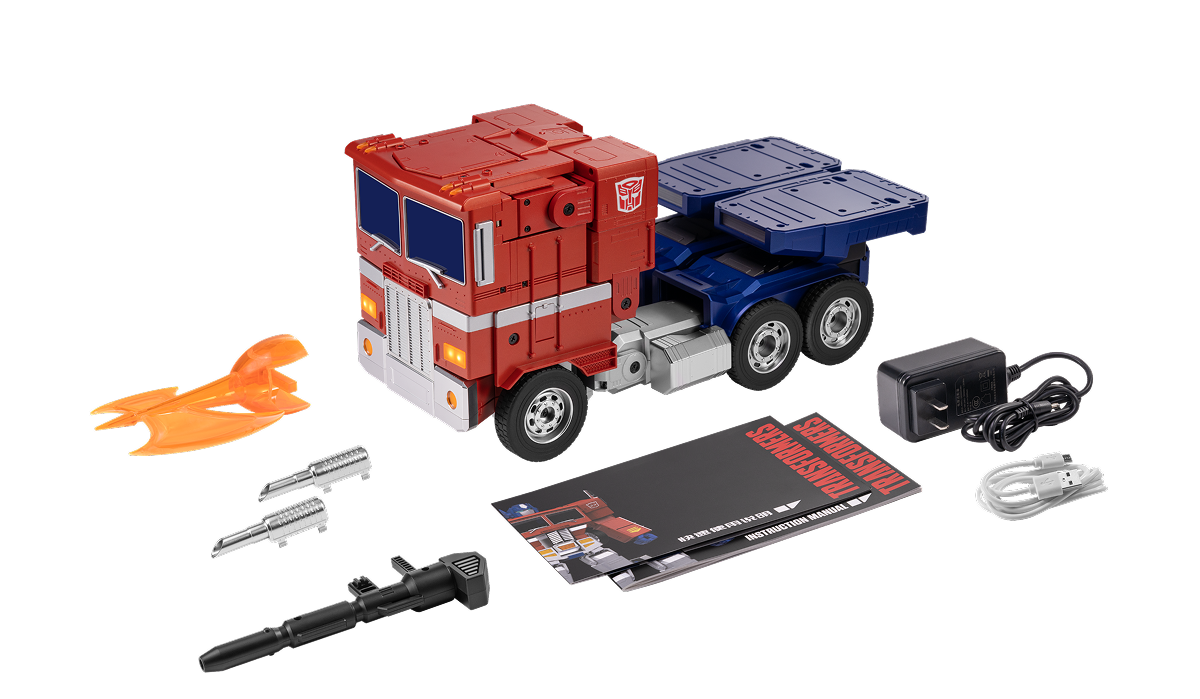
- Collector Accessories: Includes laser gun, blast axe, and commemorative coin.
- Programmable Actions: Create custom moves and routines.
- Precision Engineering: 27 servo motors and 92 microchips.
This is a pre-order item, with estimated delivery by December 10, 2026.
Worry-Free Purchase available with seel Learn More.
Technology, nostalgia and ingenious engineering
Now packed in a more compact Optimus Prime.

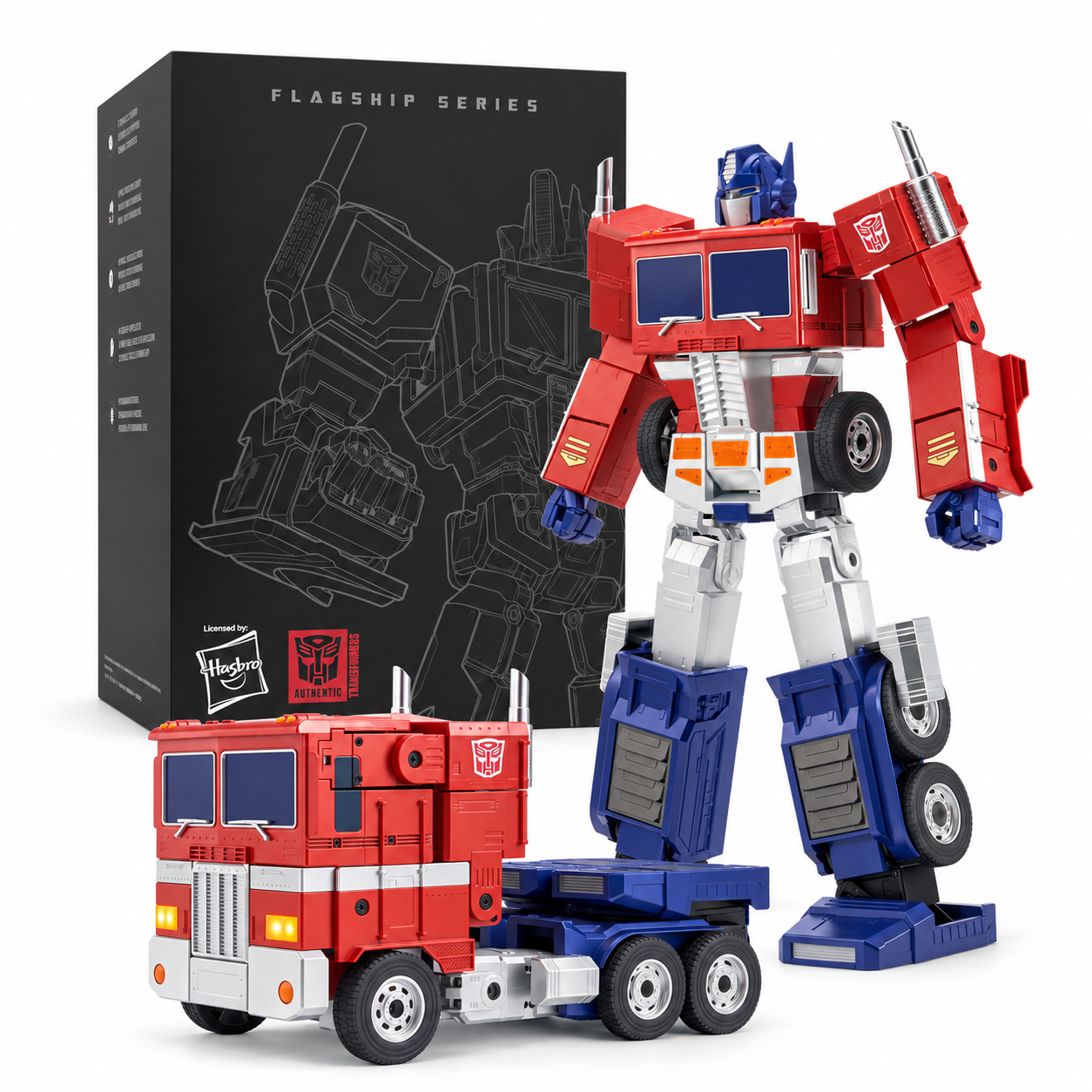
Auto-Converting
See how it auto-convert between two modes.

Robot

Truck

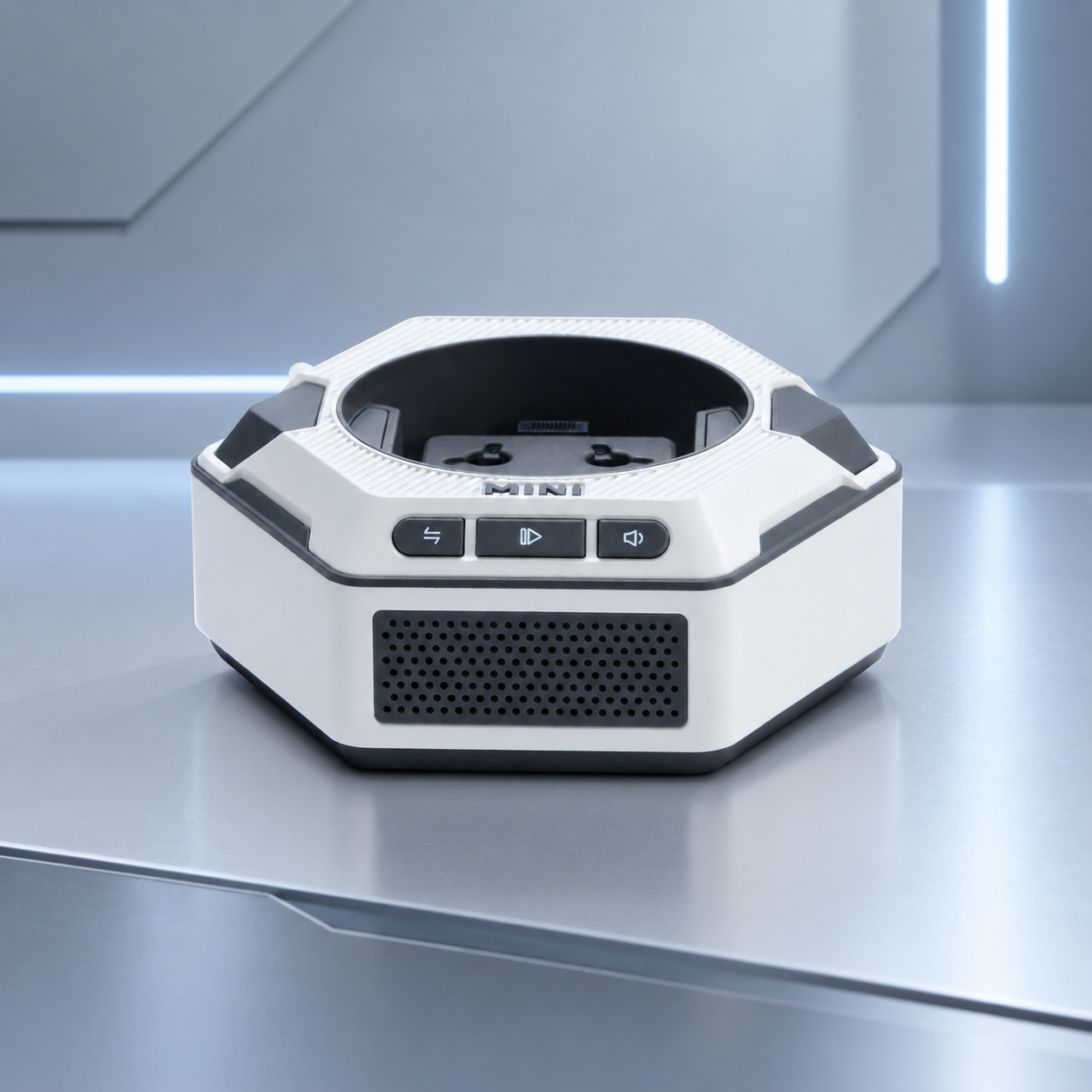
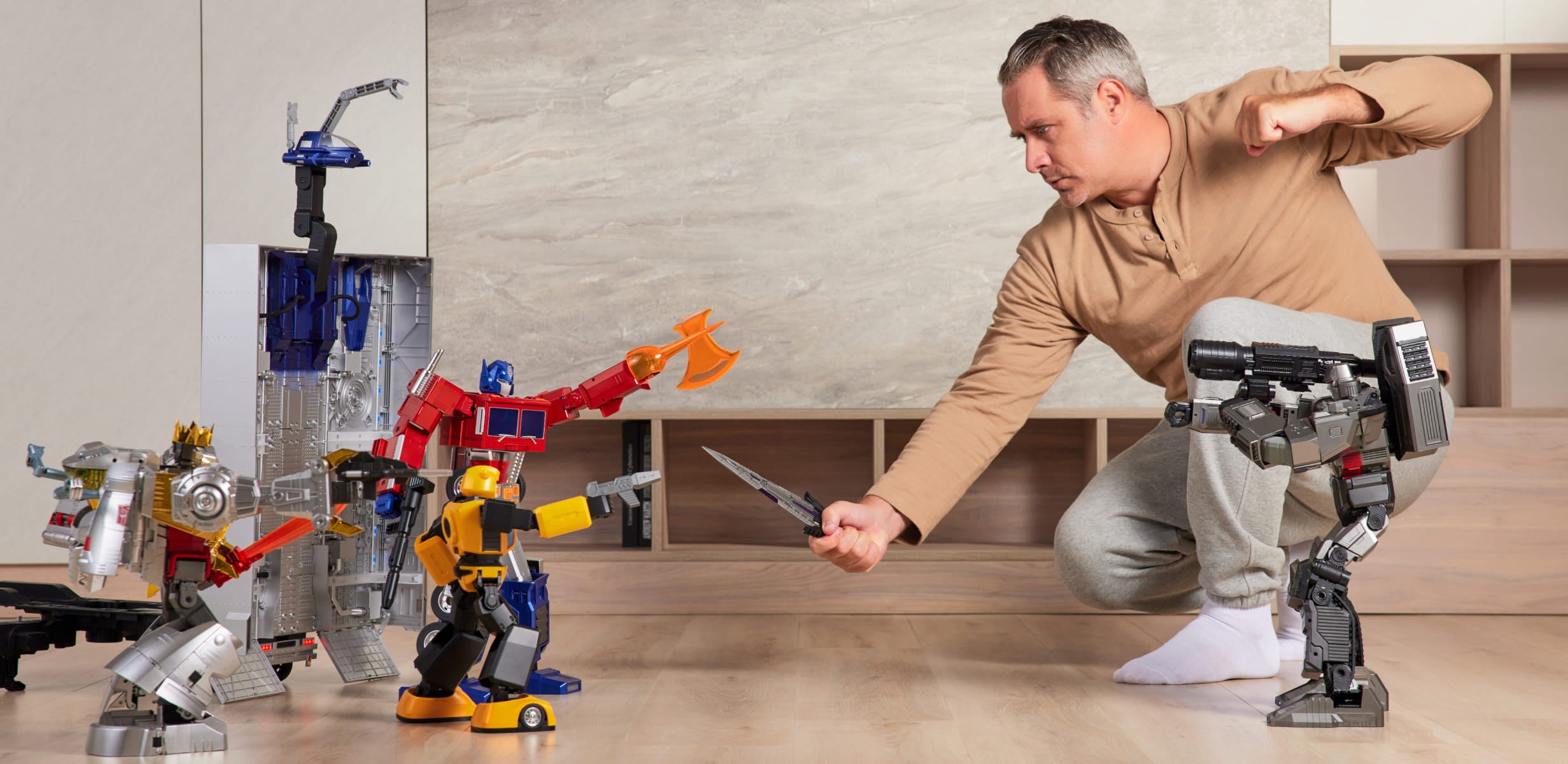
Mini Theater sets the stage for epic battles between your favorite Decepticon and Autobot leaders - bringing TRANSFORMERS to life!

SOLO PLAY: Stand-alone performances of Optimus Prime with scenes and sound effects.
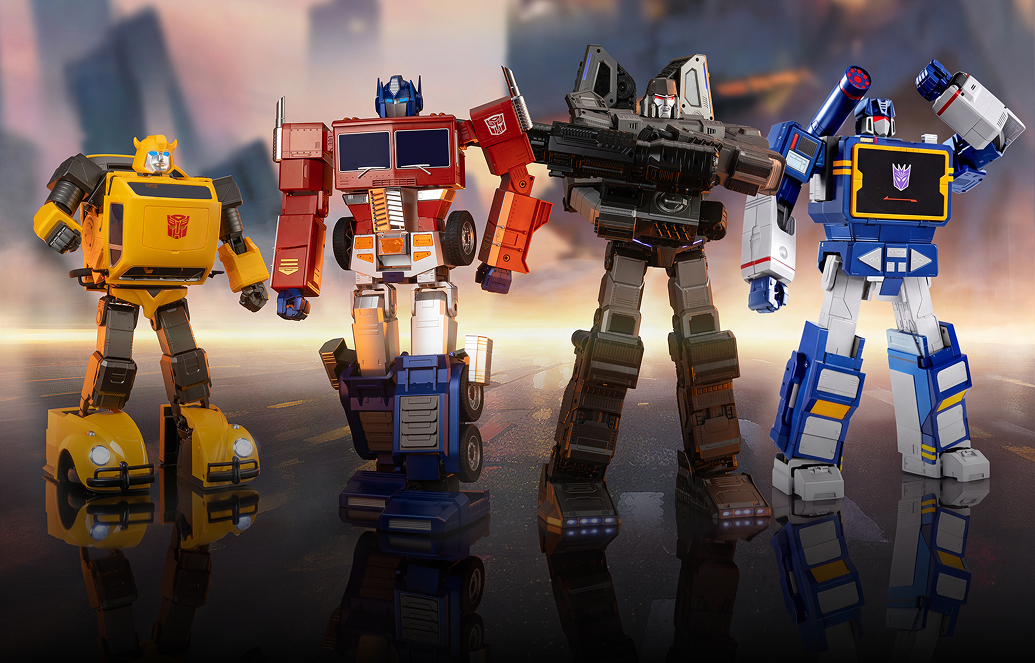
MULTI PLAY: Join another Robosen TRANSFORMER Robot for coordinated scenes and sound effects.
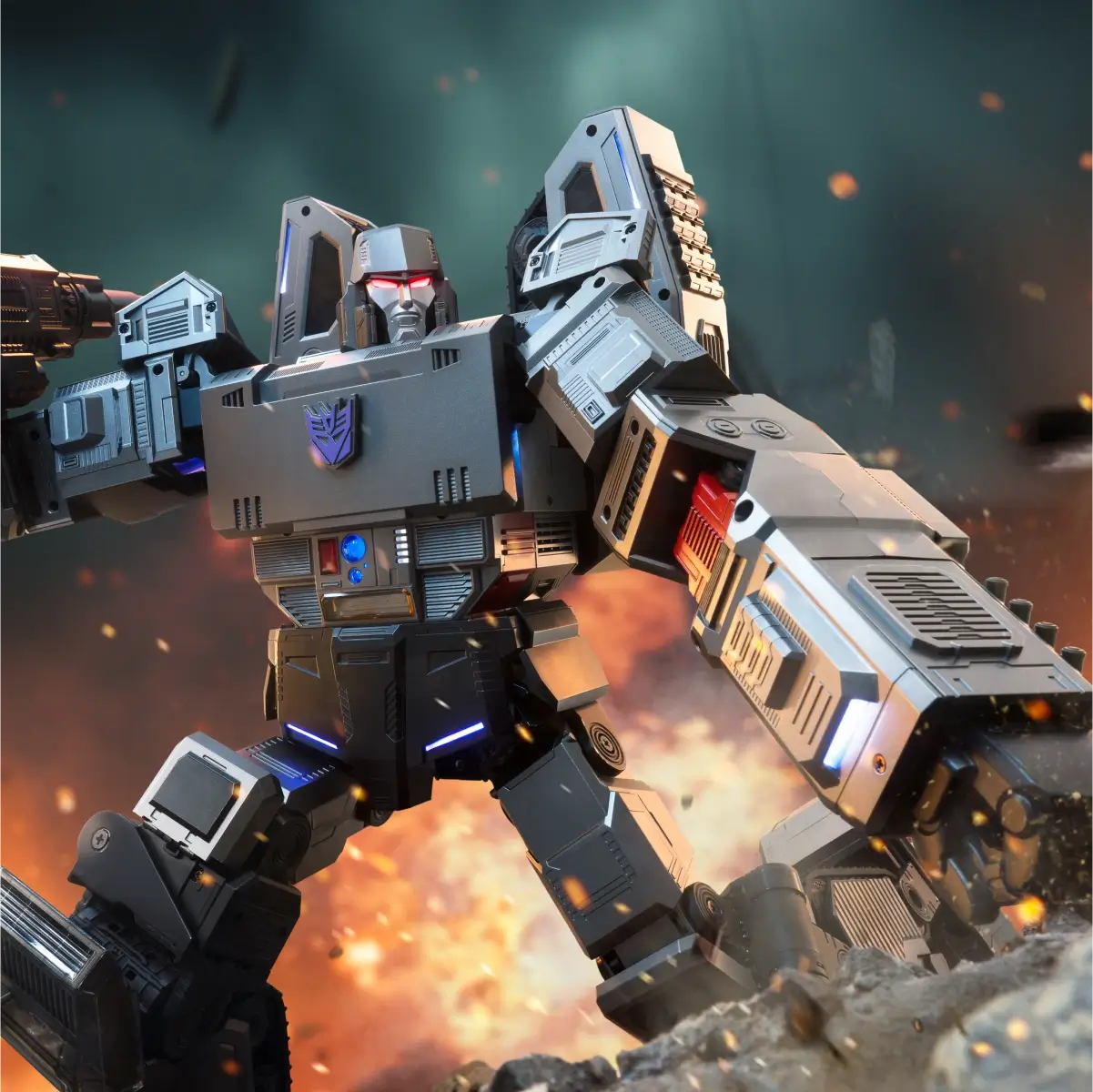
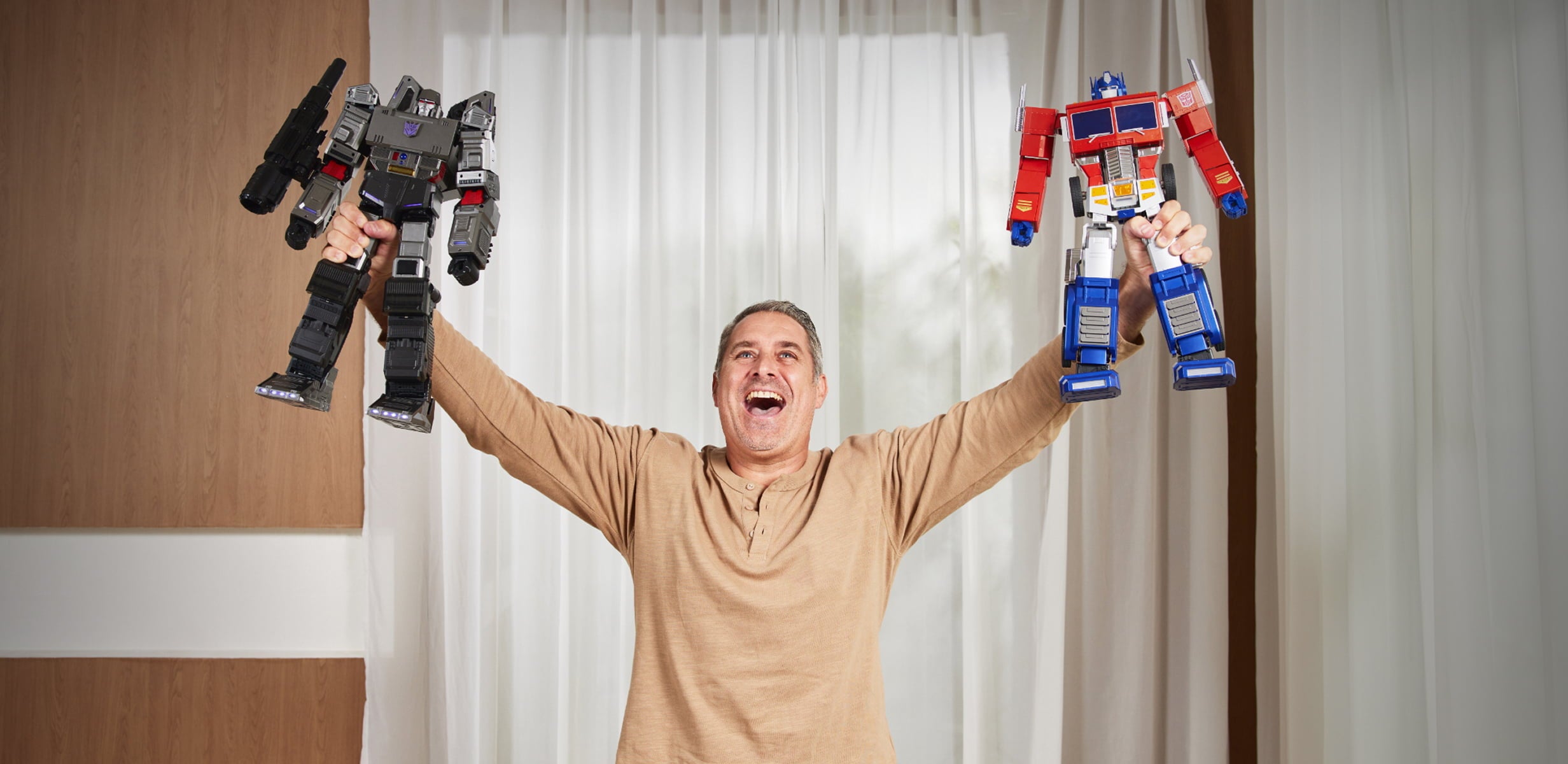
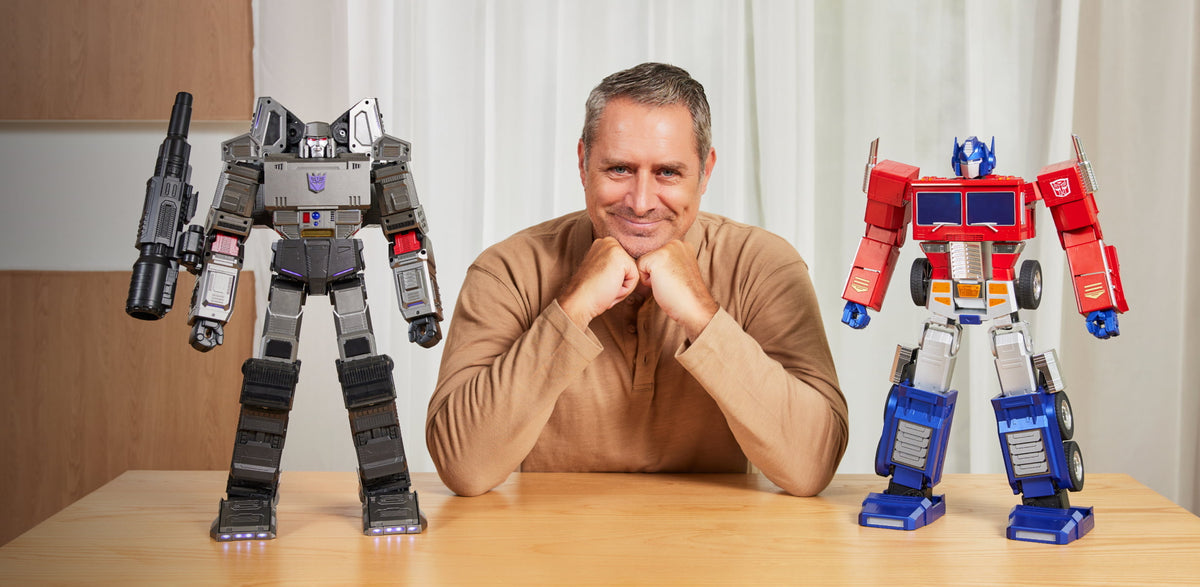
Witness the War for Cybertron
Experience incredible battles between two of the most iconic archenemies right before your eyes!
Engineering at its finest
The robot stands at an impressive 19 inches tall and is painstakingly crafted from over 5,000 components.

Five Programming Modes
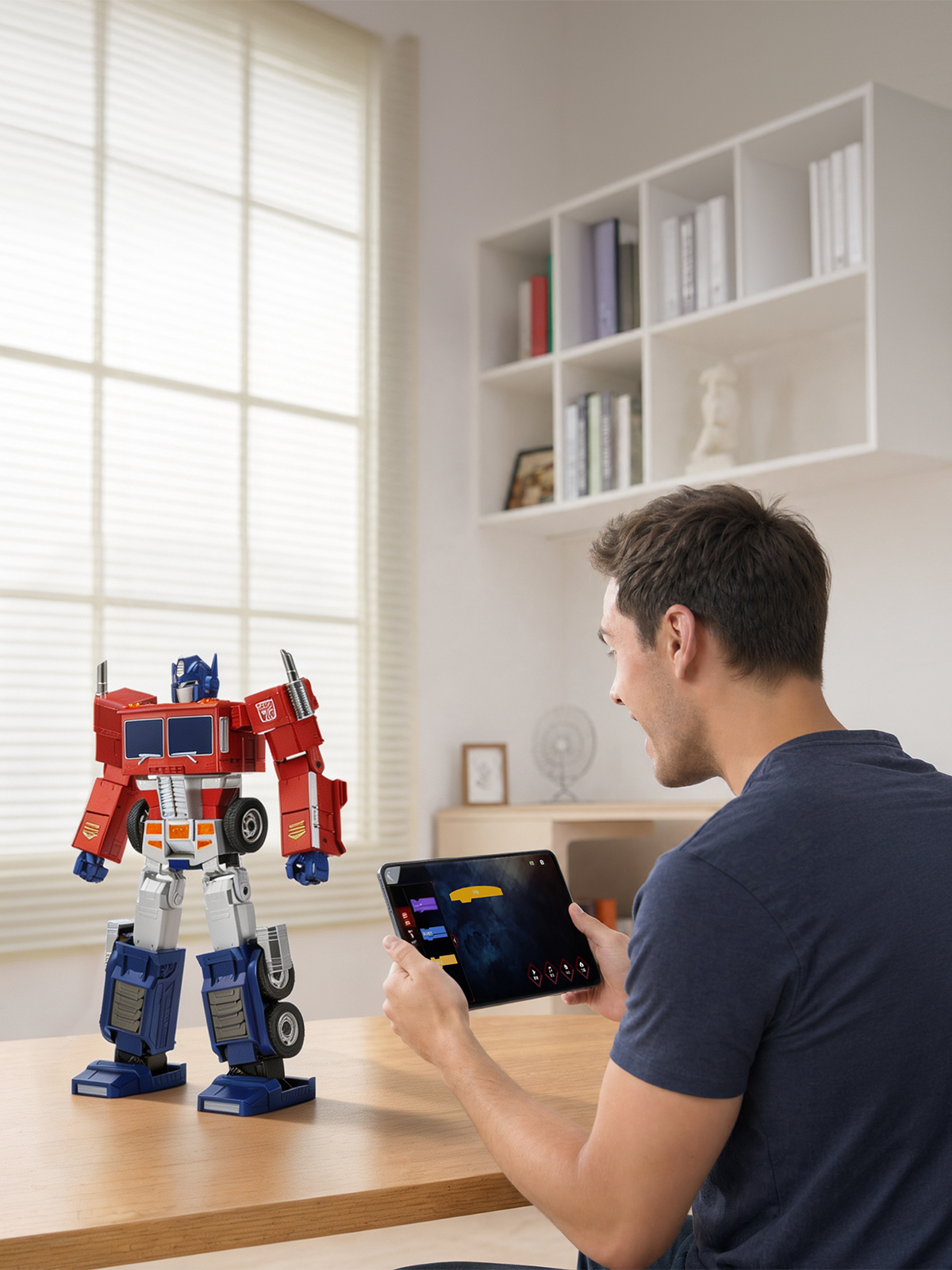
Choose from Block-Based / Manual / PC / Voice / Simplified programming modes to unleash your creativity.
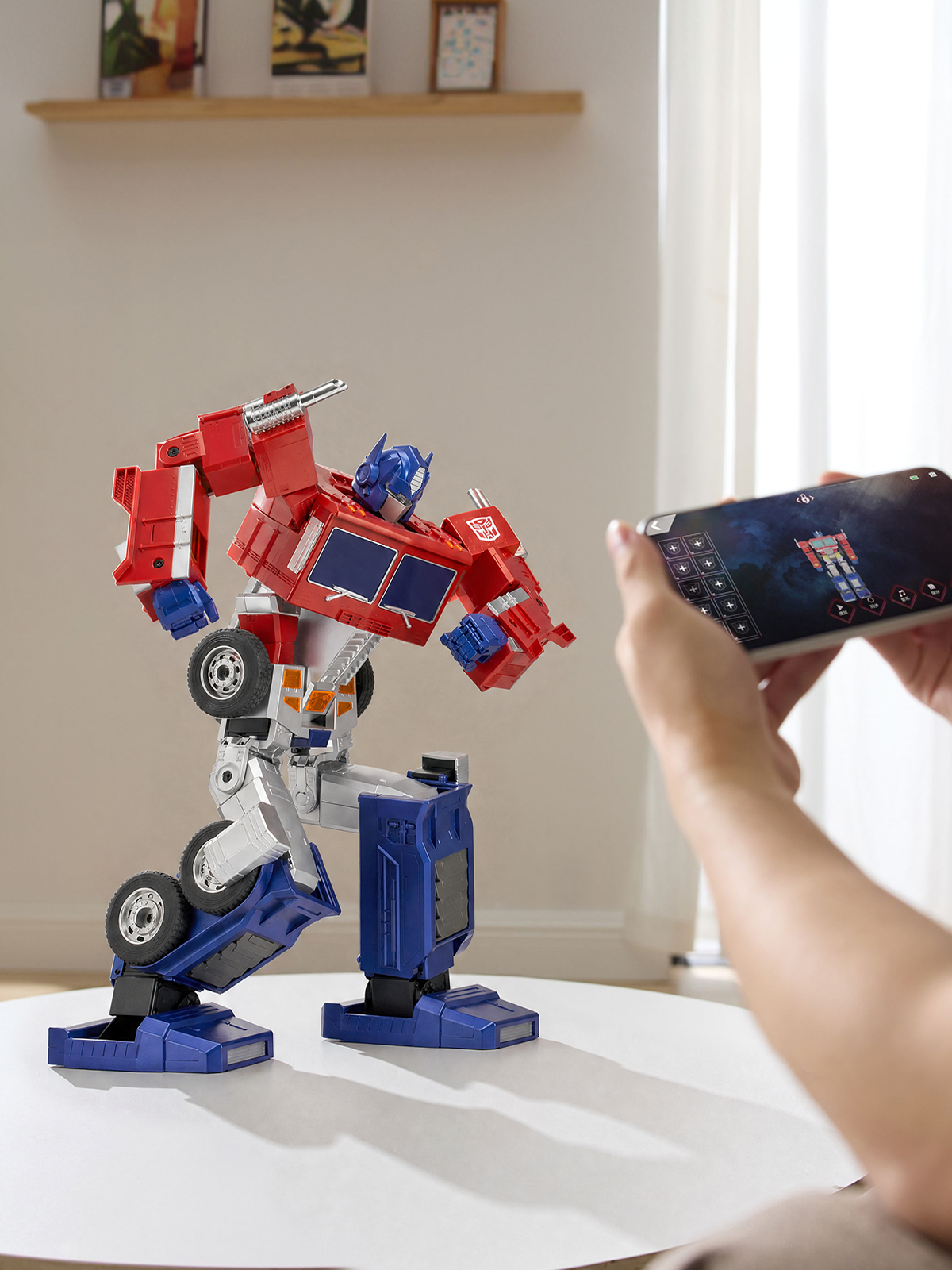
Block-Based Programming
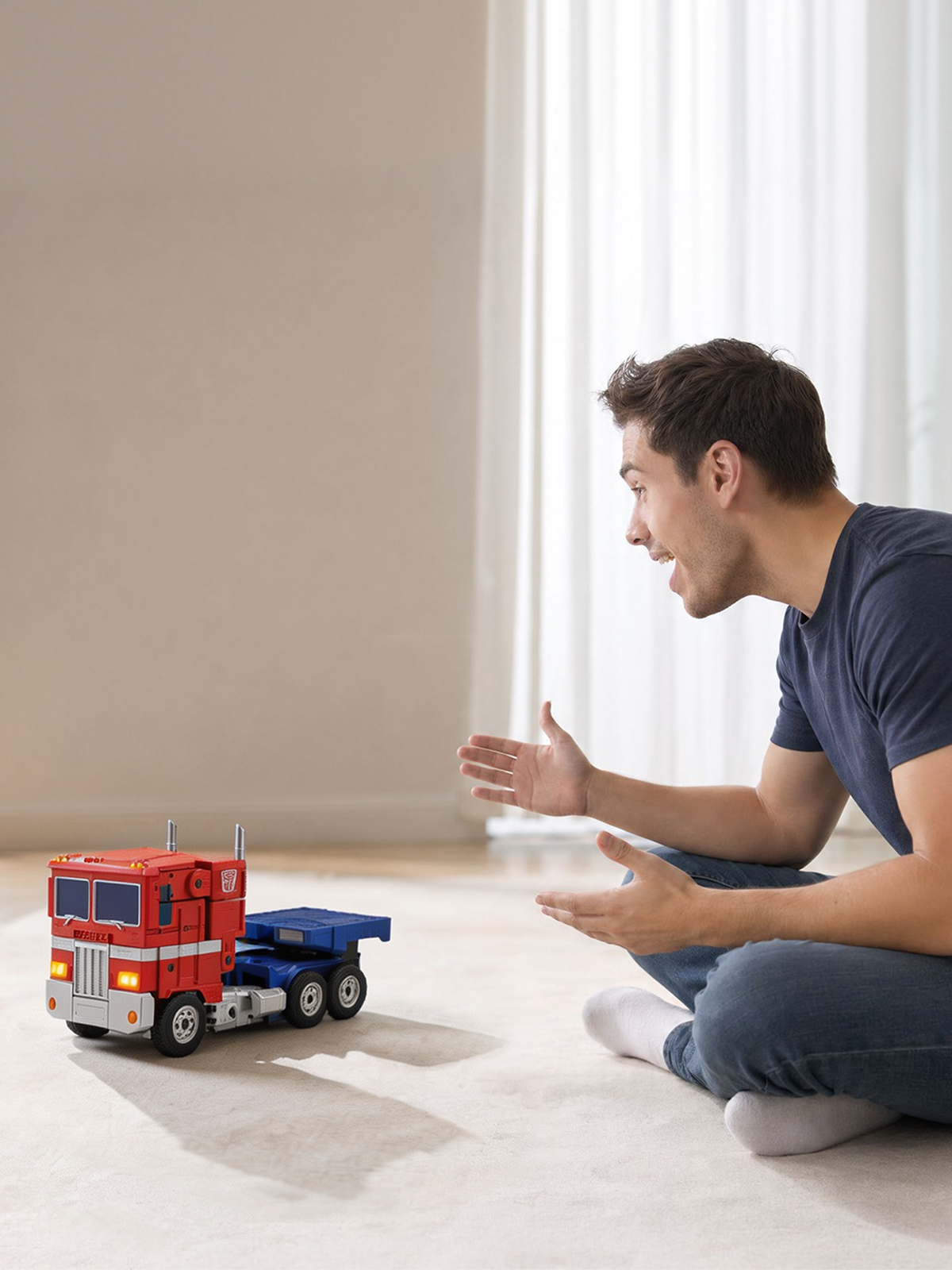
Voice Programming
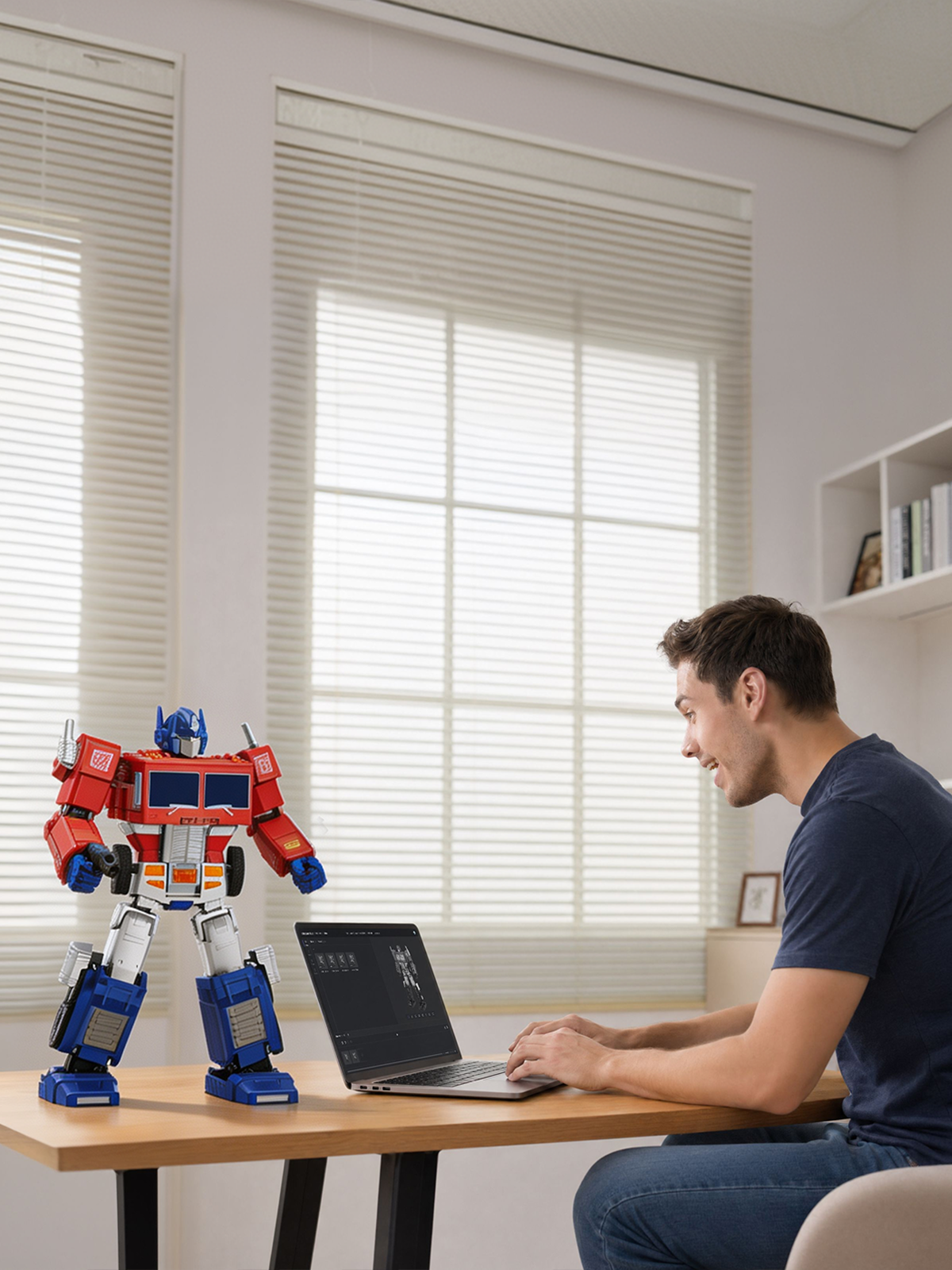
Web-Based Programming
Simplified Programming
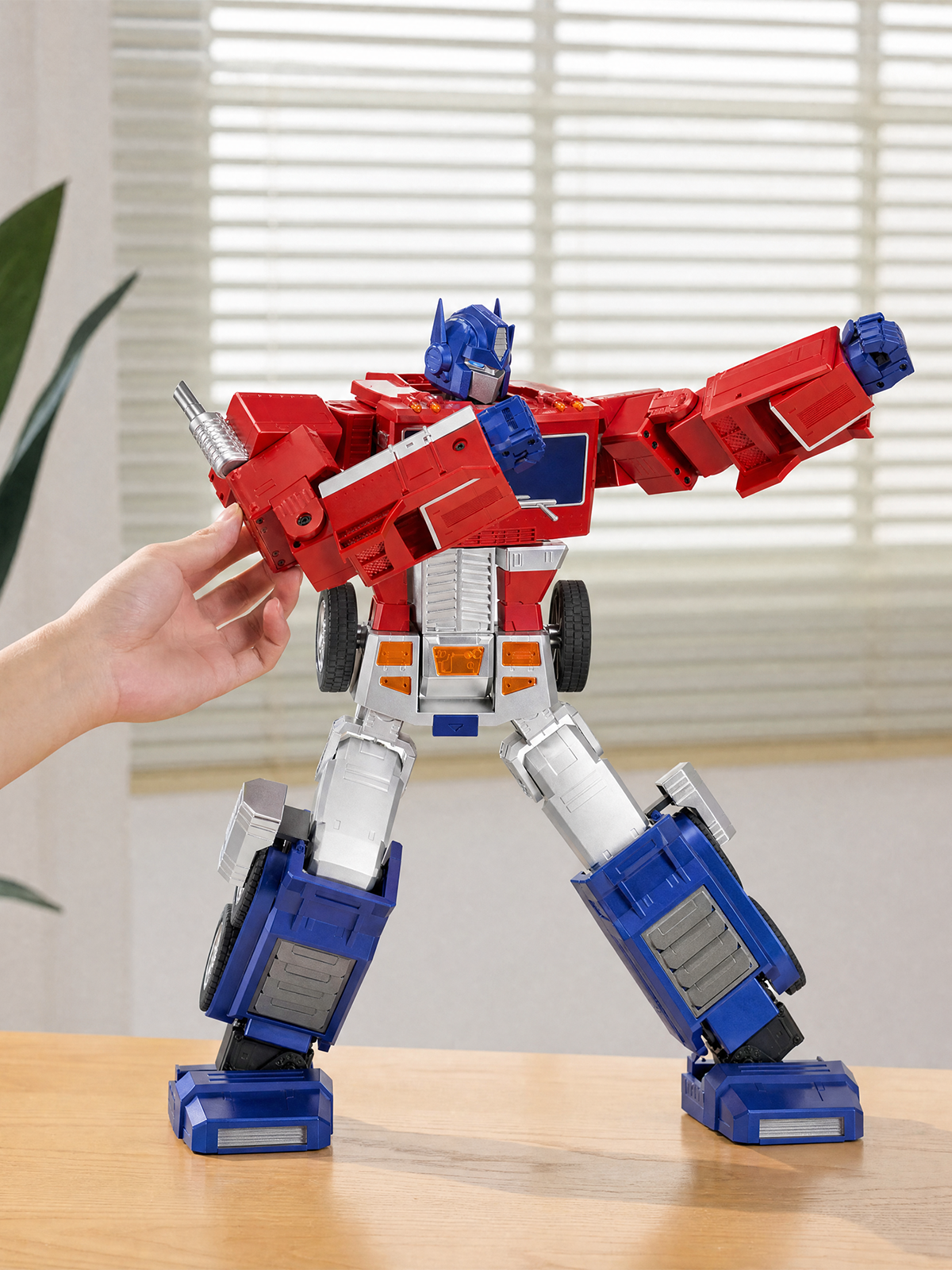
Manual Programming
Use the app or just say "Hey, Optimus…"
Equipped with 200+ sound effects and voiced by the original actor, Peter Cullen, this is an authentic reproduction of the classic Generation 1 character redefined for fans from every generation.

200+
Original Lines
49
Voice Commands
What's in the box
Product Specification
483×297×162 mm
357×207×169 mm
Approx. 2.78 kg
ABS, Nylon + Fiber, Aluminum Alloy, Zinc Alloy, PC, POM, etc.
27 pcs
1900 mAh
11.1 V
92 pcs
Bluetooth 4.2 BLE
Input: 100V-240V~50/60Hz 0.8A
Output: 5V-3A/9V-3A/12V-2.5A/15V-2A/20V-1.5A MAX:30W
PD Fast Charging adapter 15V 2A
Type-C
Mobile App, Voice Control
90 mins (Charge from 0% to full)
60 mins (Continuous use)


FAQ
Unable to wake up or control the robot by using voice commands.
Ensure that the robot is in an environment without a lot of sound interference; Use preset voice commands to wake up or control the robot. For details, please refer to the voice command table in APP or instruction manual.
Robots fall or get stuck when they walk or do certain actions.
Ensure that the robot is in an environment without a lot of sound interference; Use preset voice commands to wake up or control the robot. For details, please refer to the voice command table in APP or instruction manual.
The robot cannot be turned on.
Ensure the robot is fully charged; press and hold the power button until the robot finishes its prompt, then releases the power button.
The robot cannot be charged.
Make sure to use the original adapter. Plug the adapter into the robot and connect it to the power source. The adapter's red light should stay on while charging, and turn off when the robot's battery is fully charged.
The APP cannot find the robot.
Ensure the robot is turned on and not connected to other mobile phones. Make sure Bluetooth is enabled on your phone or tablet, and all permissions required by the APP are granted.
Charging time and operating time of the robot.
When the red light turns off, it indicates that the battery has reached the standard usage level. The charging time is approximately 55 minutes, and the operational time is around 55 minutes.
The robot reports that one of the joints is stuck.
Please restart the robot and ensure it is used on a smooth surface with low friction, and it's not obstructed by any obstacles.
The robot reports that one of the joint cables is disconnected.
Please restart the robot first. If the problem persists after several restarts, please contact after-sales support for help.
The robot has no sound.
Please connect the APP to check if the robot's volume has been turned down.